Automating Component Creation
If your project files are already organized into logical folders, the Component Wizard generates corresponding components in Paquet Builder automatically, saving time and keeping your package in sync with your development environment.
Running the Wizard
Section titled “Running the Wizard”Access this feature by clicking Component Wizard in the File Manager.
-
Select the root folder containing your component subfolders.
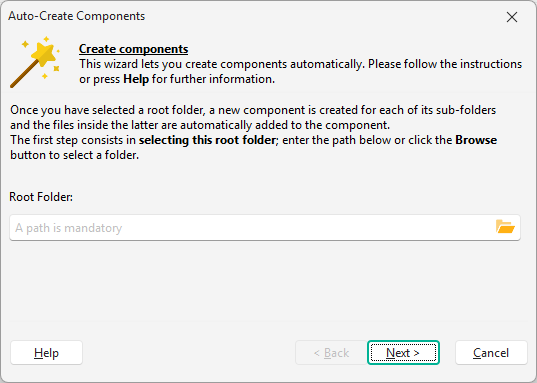
-
Choose subfolders: the wizard displays all immediate sub-directories. Check the ones you want to convert into components.
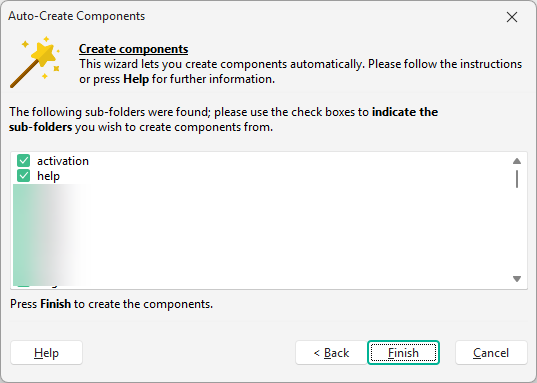
-
Click Finish to create the components.
What the Wizard Does
Section titled “What the Wizard Does”For each selected folder, Paquet Builder automatically:
- Creates a new component named after the folder.
- Adds all files from that folder to the component.
- Enables Source-Linking (Live Update) by default.
Related Pages
Section titled “Related Pages” Components Learn how components work and configure their properties.
File Manager Manage files and components in your package.