Edit
Opens the Rich Content Editor to write and format the welcome message with rich HTML content.
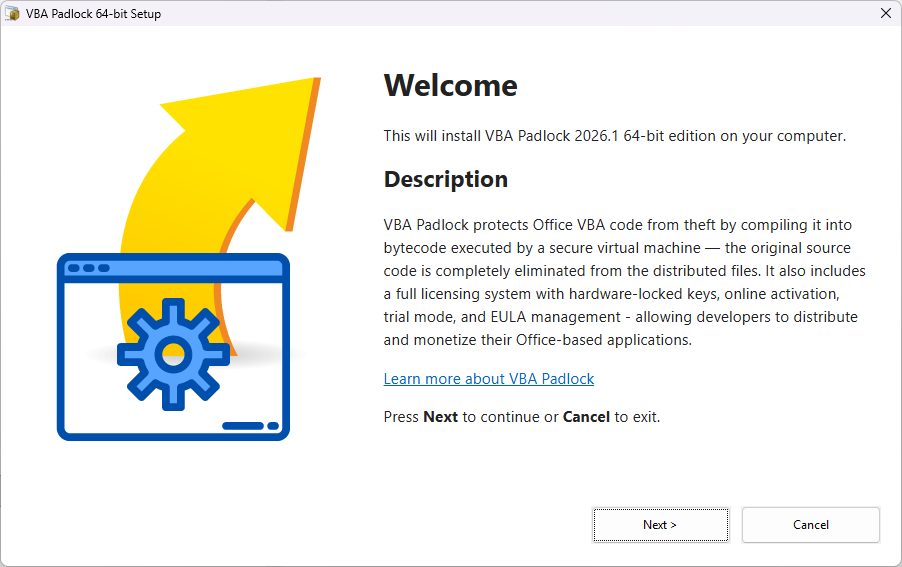
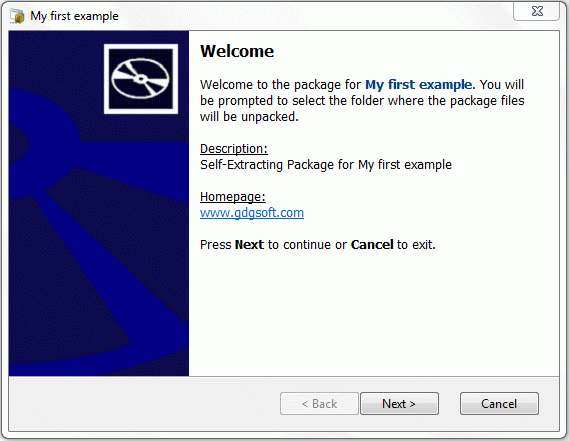
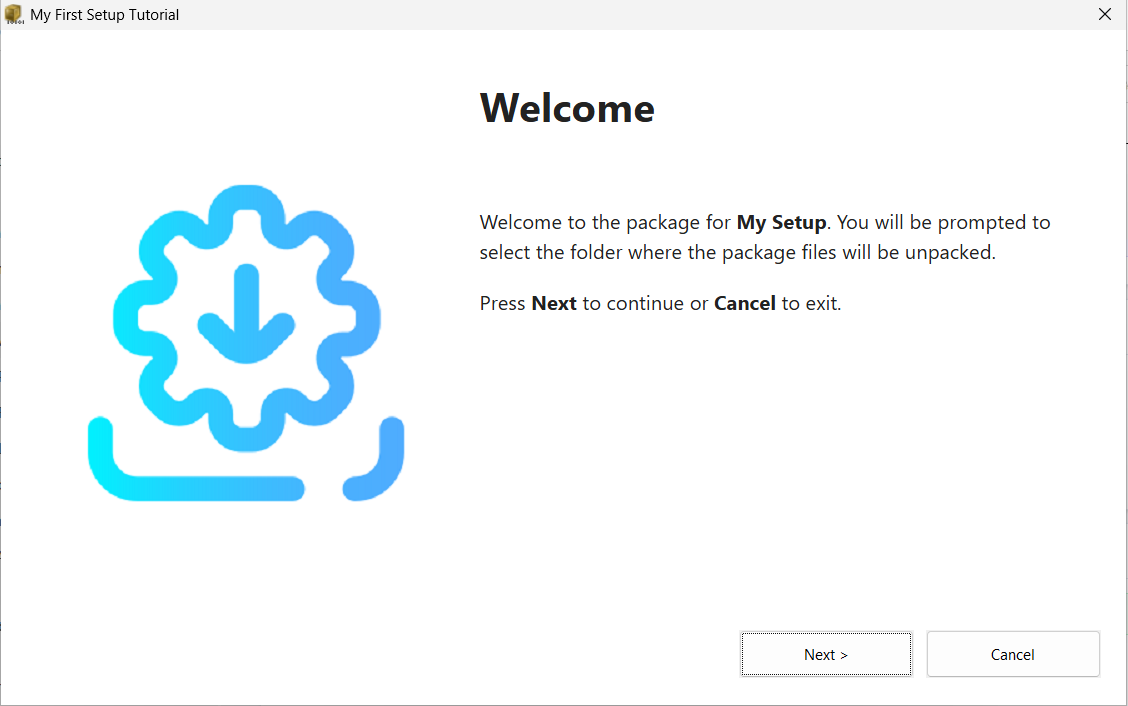
The Welcome screen is the first dialog box end users see when they run your package. It describes the package contents and provides instructions before extraction begins.
The appearance of the dialog depends on the interface theme you selected.
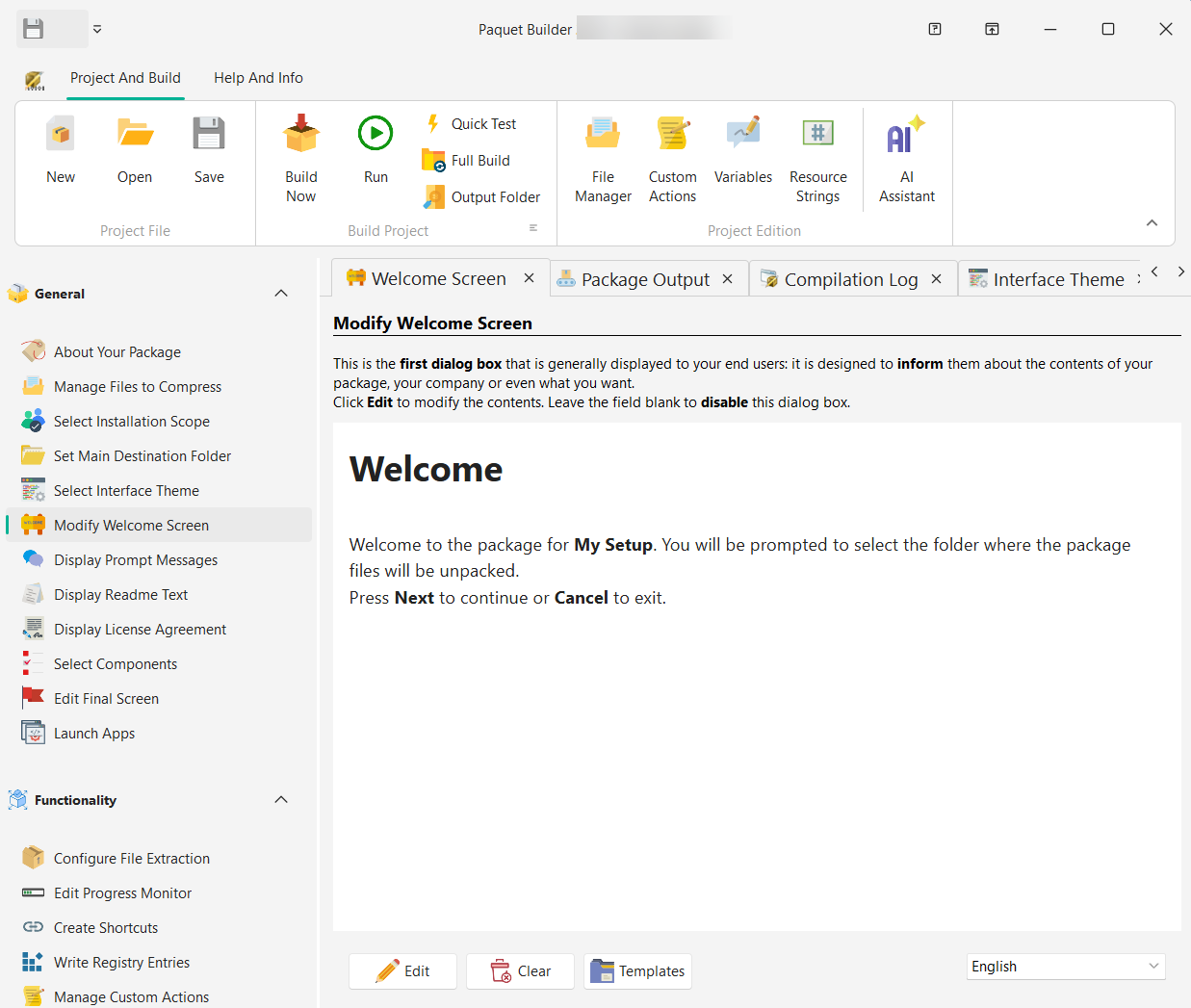
Edit
Opens the Rich Content Editor to write and format the welcome message with rich HTML content.
Clear
Removes the current text entirely. If the welcome text is blank, the Welcome screen is disabled.
Templates
Select a pre-made welcome template from the menu list. Templates provide a ready-to-use starting point.
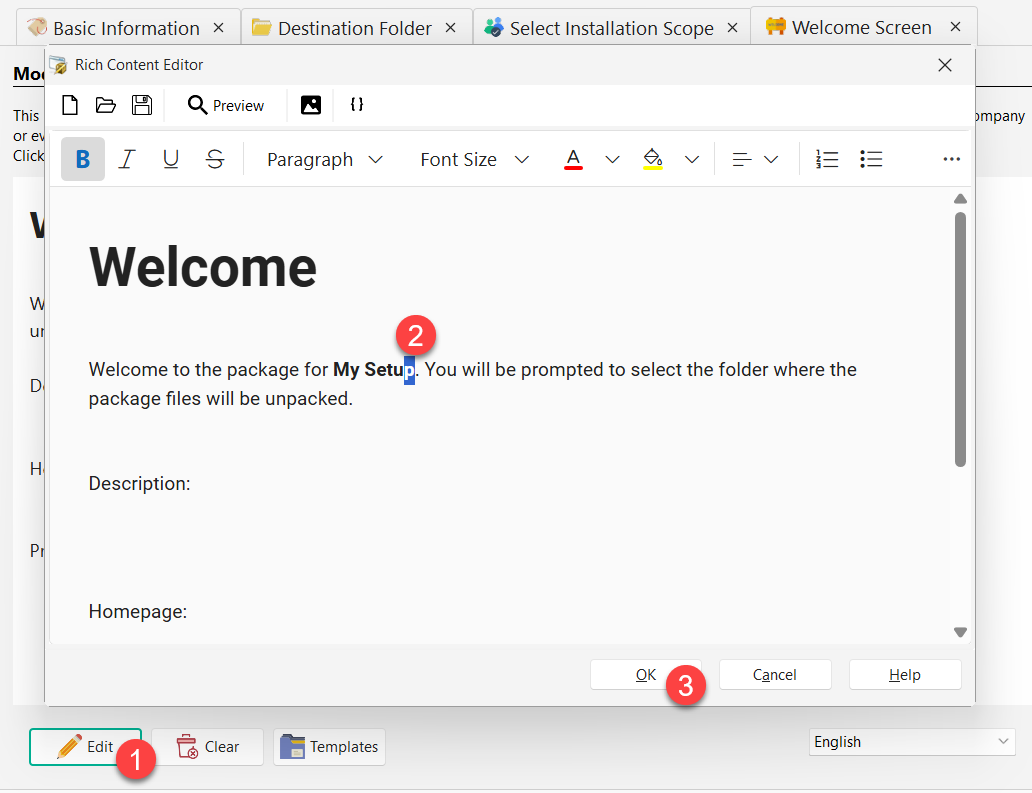
You can include resource strings and variables in the welcome text. They are automatically replaced at runtime. For example, %APPTITLE% is replaced with the package title.
Templates are HTML files stored in the Templates subfolder and listed in pbtempla.ini. The following placeholders are supported and replaced with their corresponding values:
| Placeholder | Replaced with |
|---|---|
[ARCHIVETITLE] | Package title |
[COMPANYNAME] | Author / Company name |
[COMPANYEMAIL] | Contact email address |
[HOMEPAGE] | Company web homepage |
[COPYRIGHT] | Legal copyright text |
[DESCRIPTION] | Package description |
[PRODNUM] | Product version number |
[FILENUM] | Number of files in the package |
Paquet Builder supports multilanguage packages, allowing the Welcome dialog to display in the end user’s language.