Build Professional Windows Installers
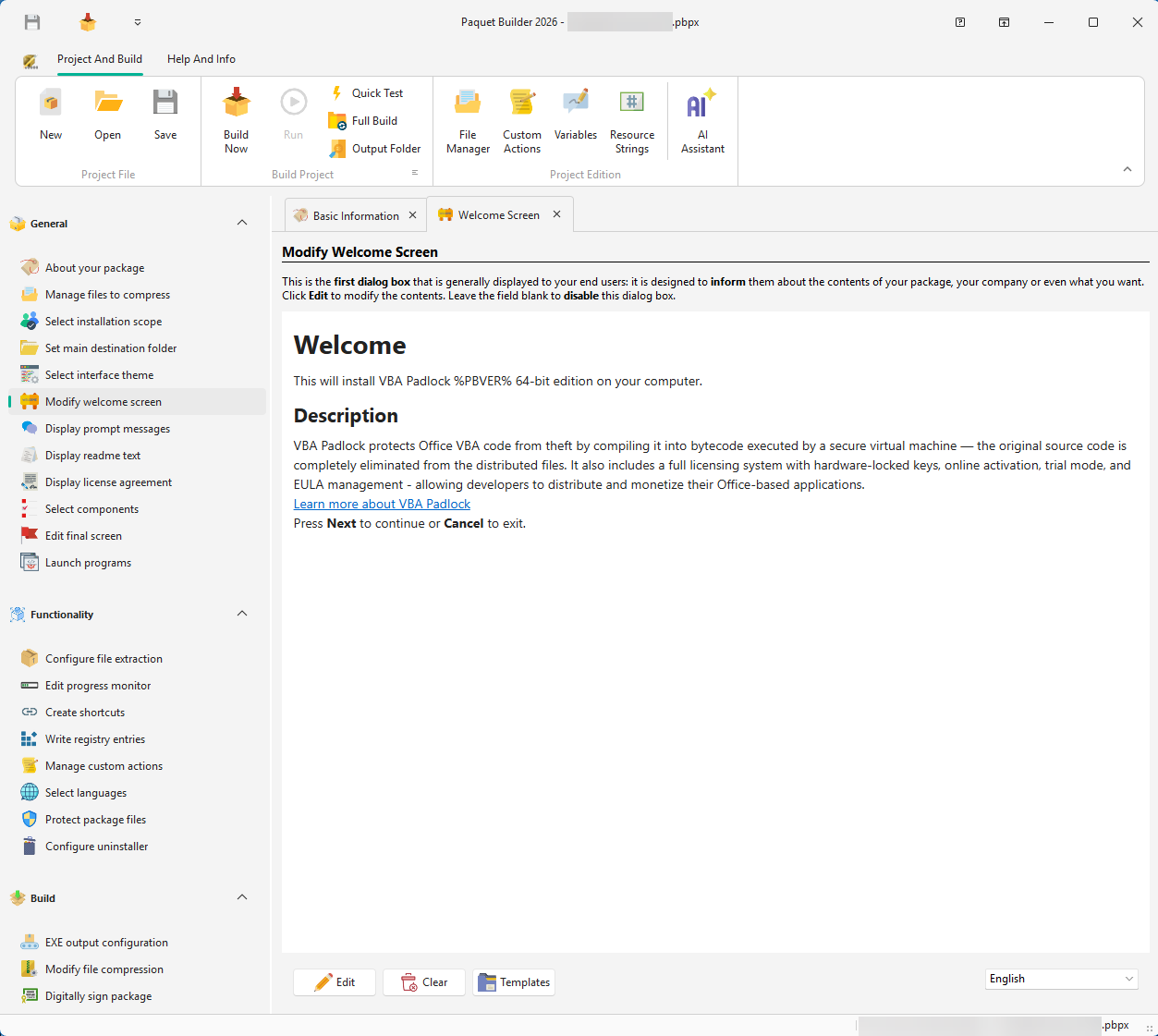
Paquet Builder is a Windows installer maker for developers and IT teams. Create setup packages, self-extracting archives, and silent installers in one visual IDE. Add files, configure actions, sign your output, and ship. No scripting required. Or connect Claude, Cursor, or any MCP-compatible AI agent and let it create, update, and build your installers.
Trusted by thousands of developers worldwide since 2006. Windows 7-11 compatible.
Free MCP Server
Let Claude Build Your Installers
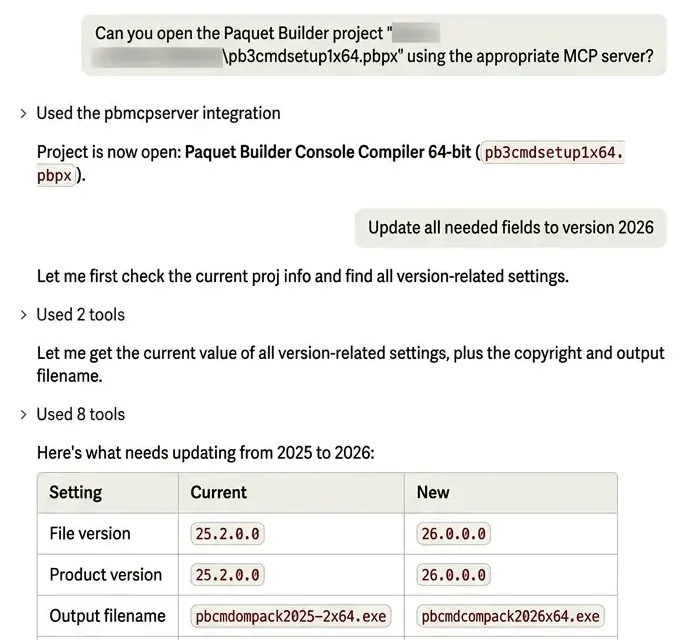
The free Paquet Builder MCP server connects Claude Code, Cursor, Windsurf, or VS Code with Copilot to your installer projects. Describe what you need: your agent creates the project, adds files, compiles the setup, and reads the build log while you review the result.
- 01 Connect. Install the free add-on and register it in your AI client. It works with every edition, including Freeware.
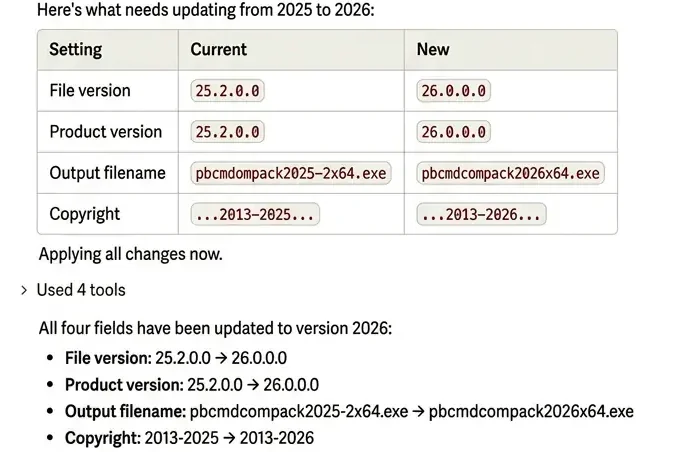
- 02 Ask. “Build an installer for the dist folder with a Start Menu shortcut.” “Bump every project to version 2026.”
- 03 Ship. Your agent compiles, checks the build log, and adjusts the project when a build fails.
Builds run locally on your Windows machine. Requires Paquet Builder 2026.
All You Need to Ship Apps and Files
Package, compress, customize, sign, and automate: everything you need to ship professional Windows installers.
Build Installers with Your AI Agent
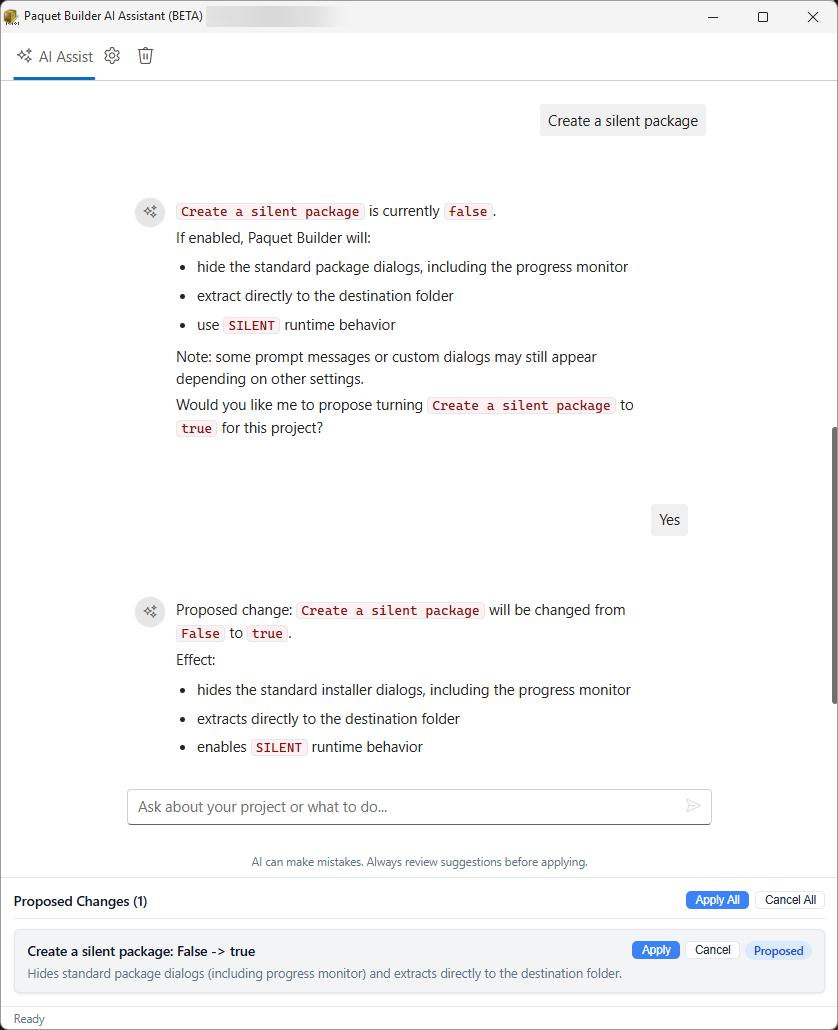
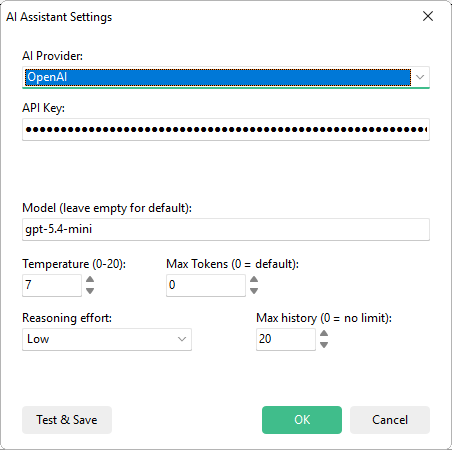
Connect Claude Code, Cursor, Windsurf, or VS Code to the free MCP server and let your agent create, edit, and compile installer projects. Prefer to stay in the IDE? The built-in AI Assistant works with OpenAI, Anthropic, Google, Mistral, or a local model through Ollama or llama.cpp.
What this unlocks
A free MCP server for any MCP-compatible agent, plus a built-in assistant that uses your own API key or a private local model.
What You Can Build
One installer creator for the jobs developers and IT teams ship most often.
-
Silent installers for Windows
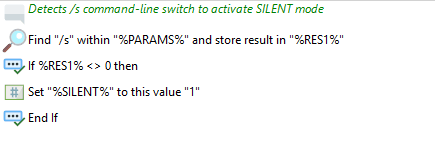
Unattended setups that run with /s or /silent, ready to push through Intune, SCCM, or a script.
Build silent installers -
Signed installers
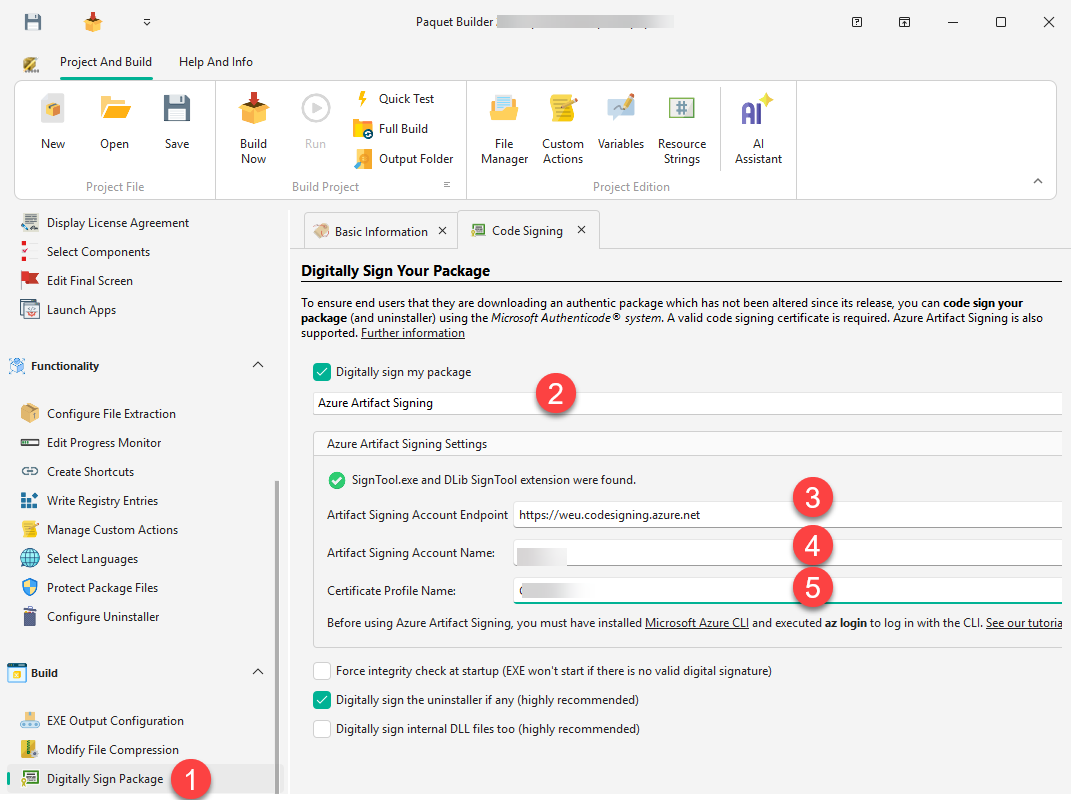
Sign every build with Azure Artifact Signing, SignTool, JSign, or your own PFX certificate.
Sign installers -
MSI setups in one EXE
Wrap MSI setups and MSP patches into a single self-extracting executable with your own wizard on top.
Wrap MSI into one EXE -
Automated builds
Rebuild the same project from the command line, a batch file, or your CI pipeline with structured exit codes.
Automate builds
See How It Works
From a prompt in Claude to a signed installer: key workflows from start to finish.
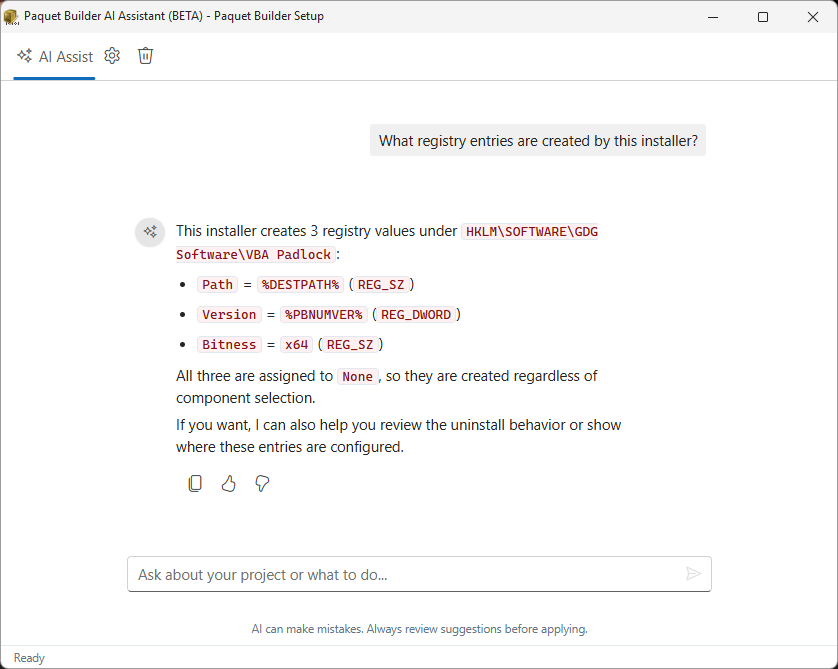
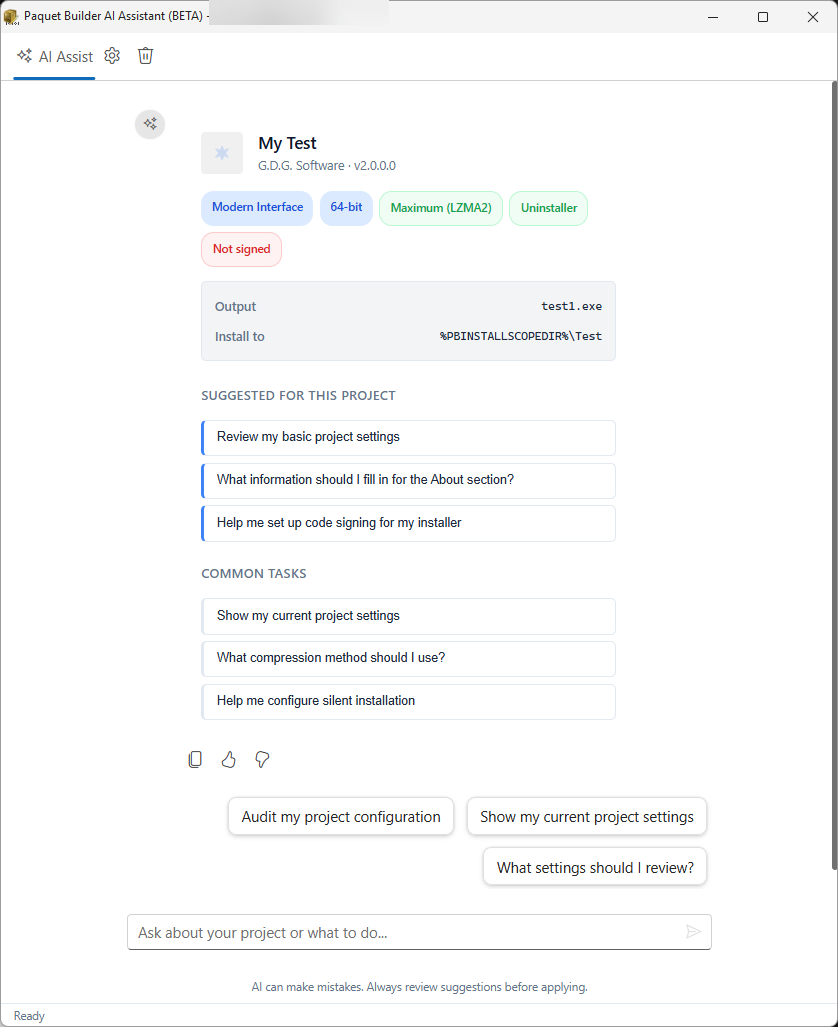
Let your AI agent drive Paquet Builder
Ask Claude for a silent installer, a version bump, or a new setup from a spec. Through the MCP server, your agent works on the same projects you open in the IDE, with the same compiler and the same signing settings.
- Open, edit, and compile installer projects from a conversation
- Update versions, files, and settings across many projects at once
- Read the build log and fix errors without opening the GUI
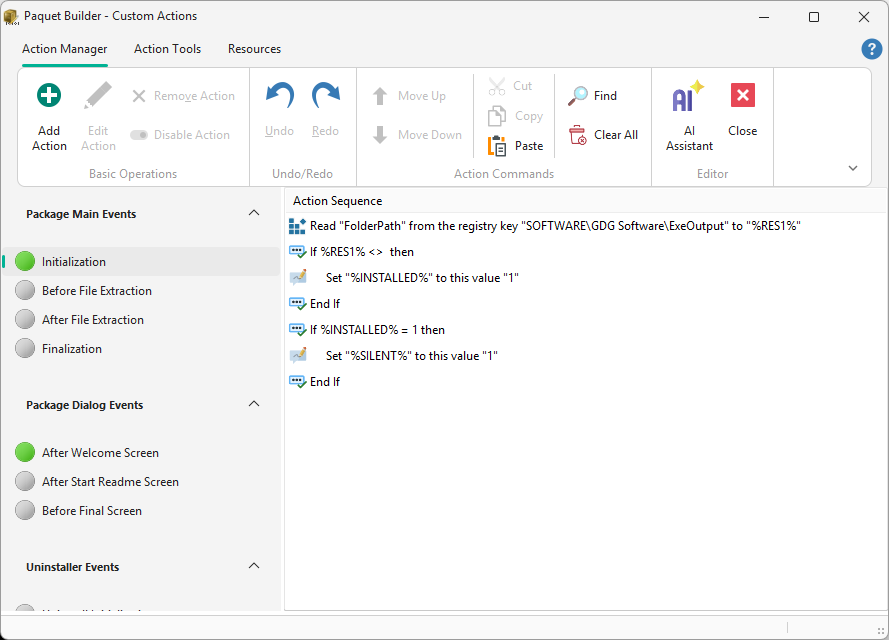
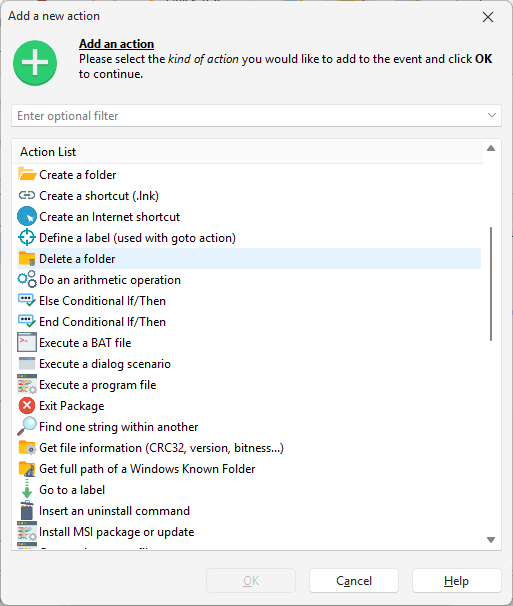
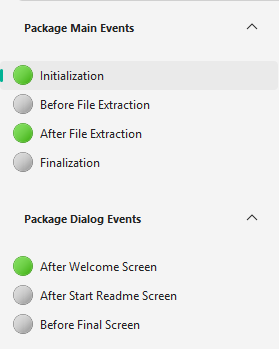
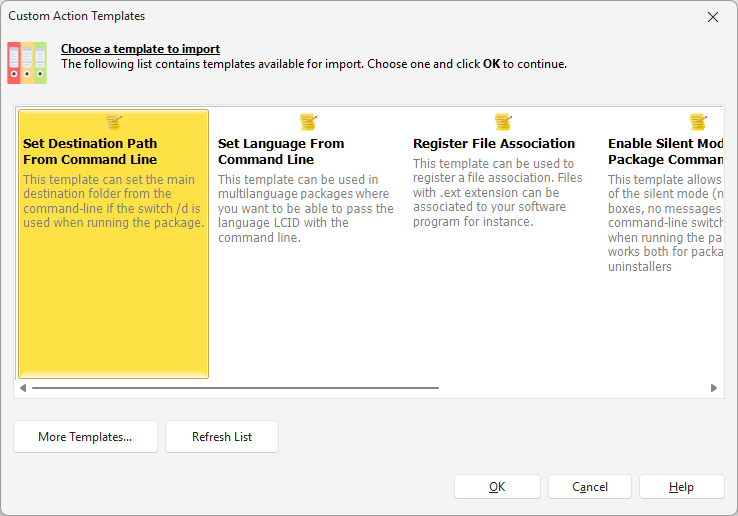
Orchestrate every step of the install with Custom Actions
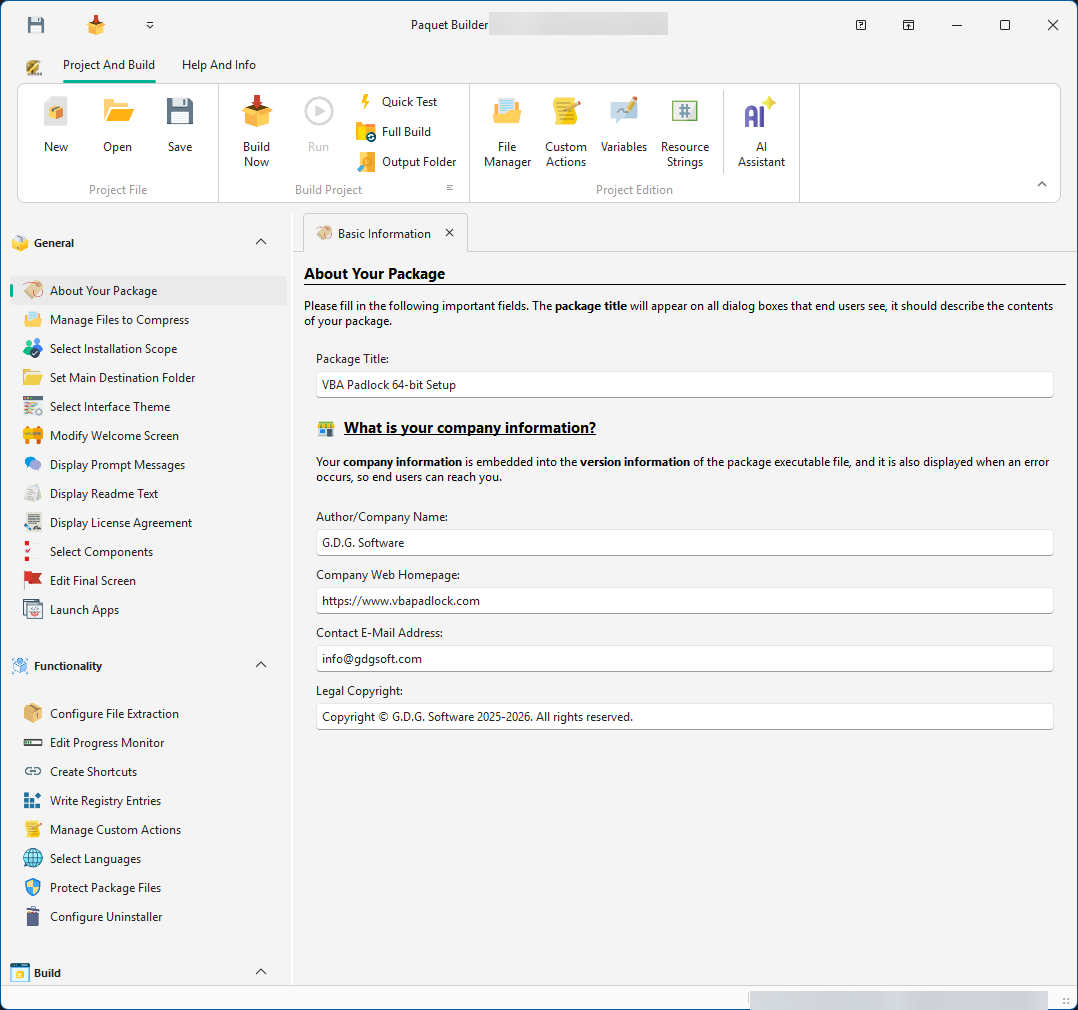
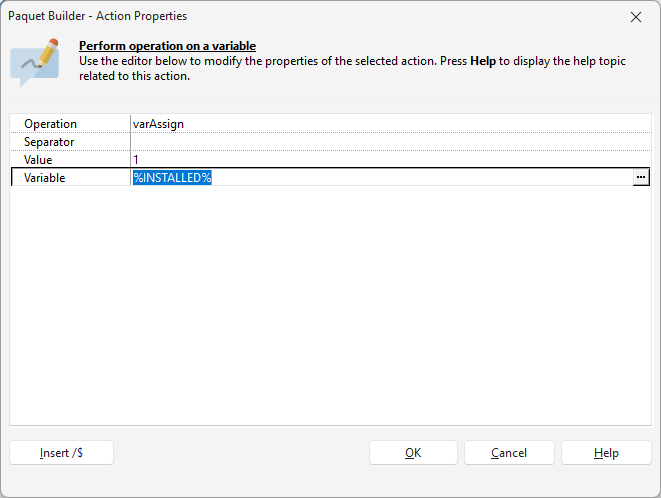
Choose from over 60 built-in actions to read the registry, edit XML and INI files, manage Windows services, display custom dialogs, and run programs at any stage of the installation, no scripting required.
- Manage registry keys, environment variables, and Windows services visually
- Chain actions with conditionals, flow control, and error handling
- Import ready-made action templates or build reusable sequences
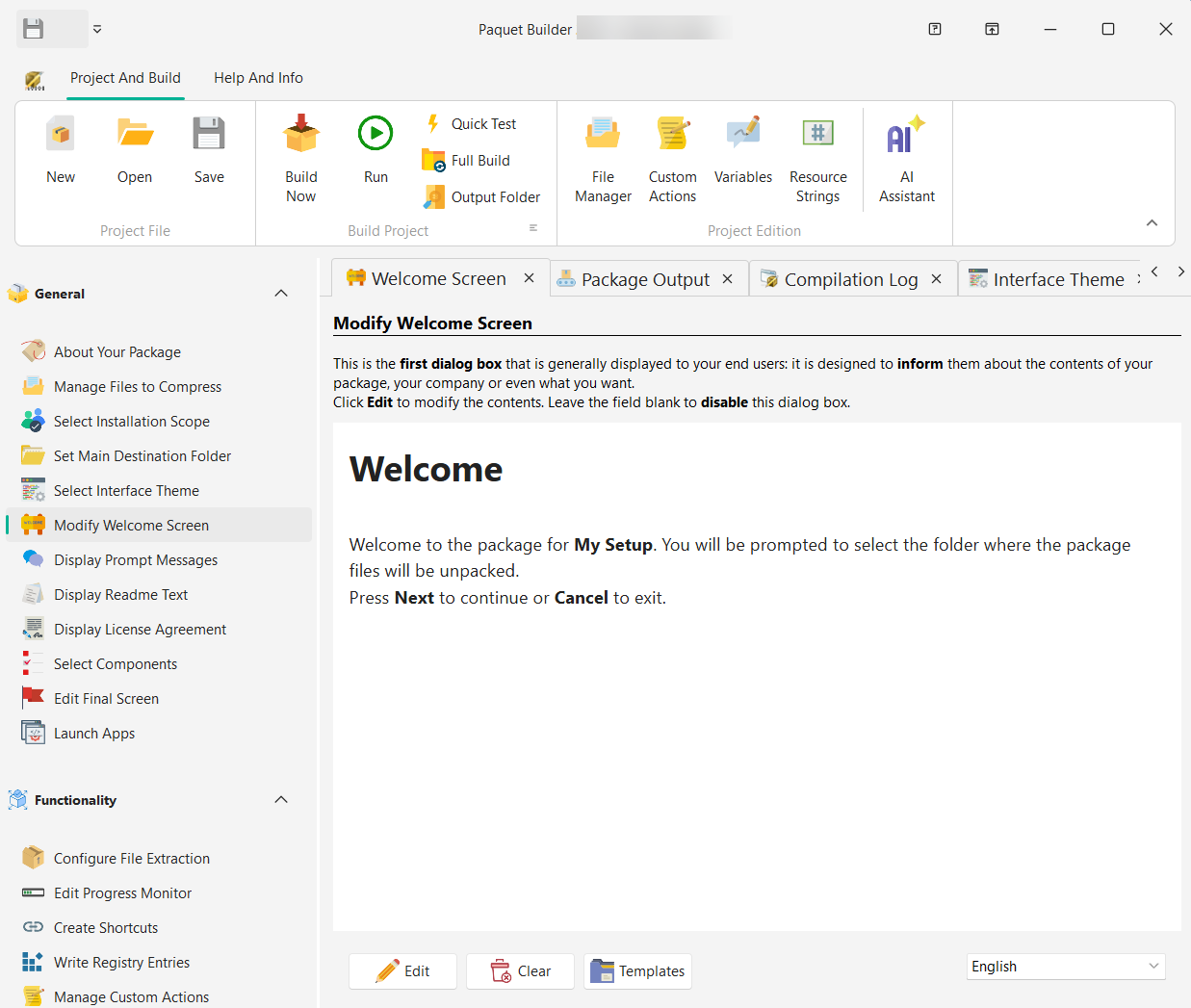
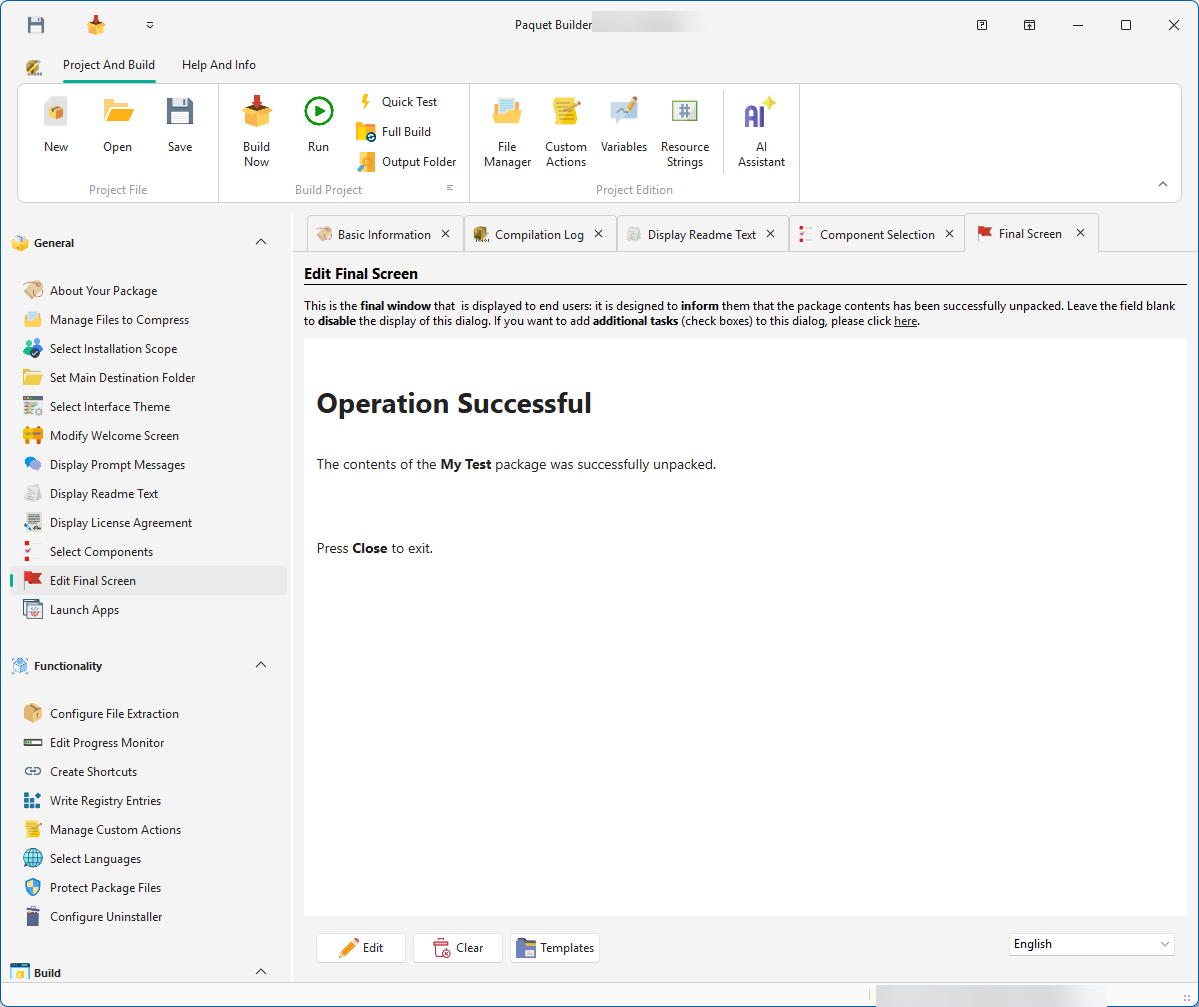
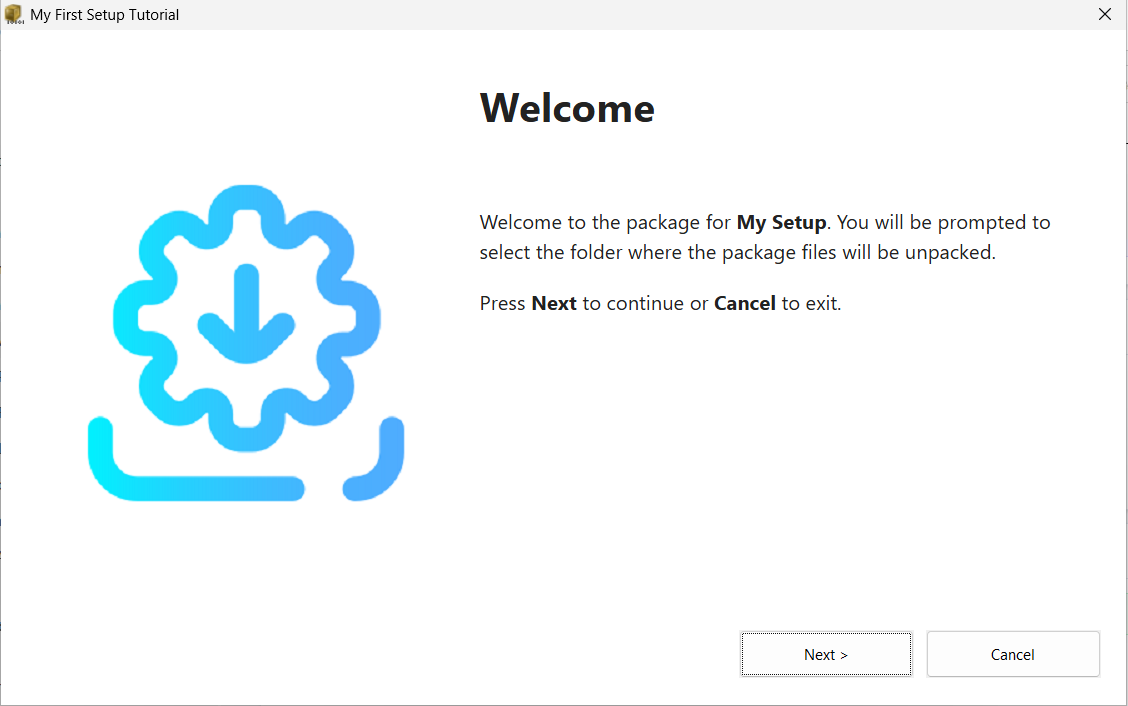
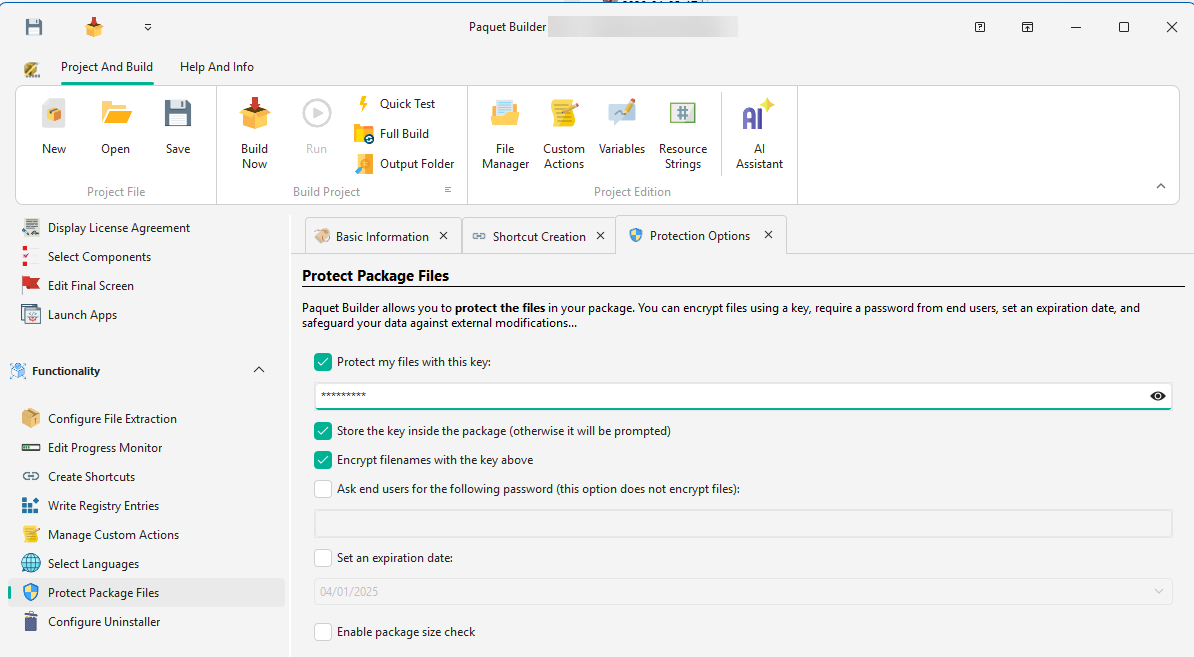
Design polished setup flows and branded screens
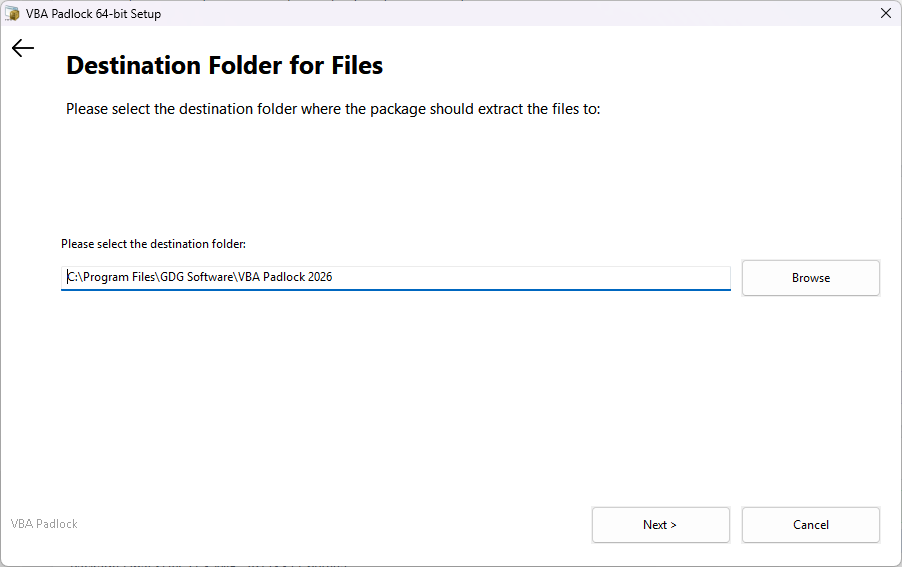
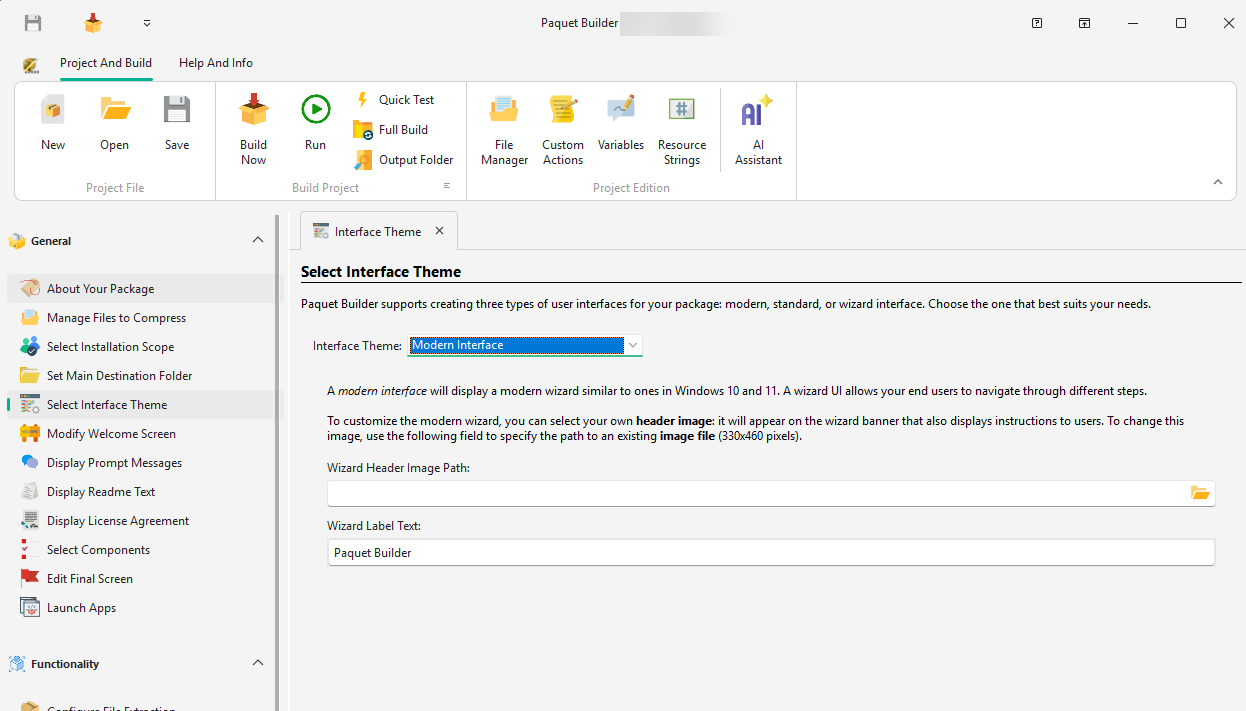
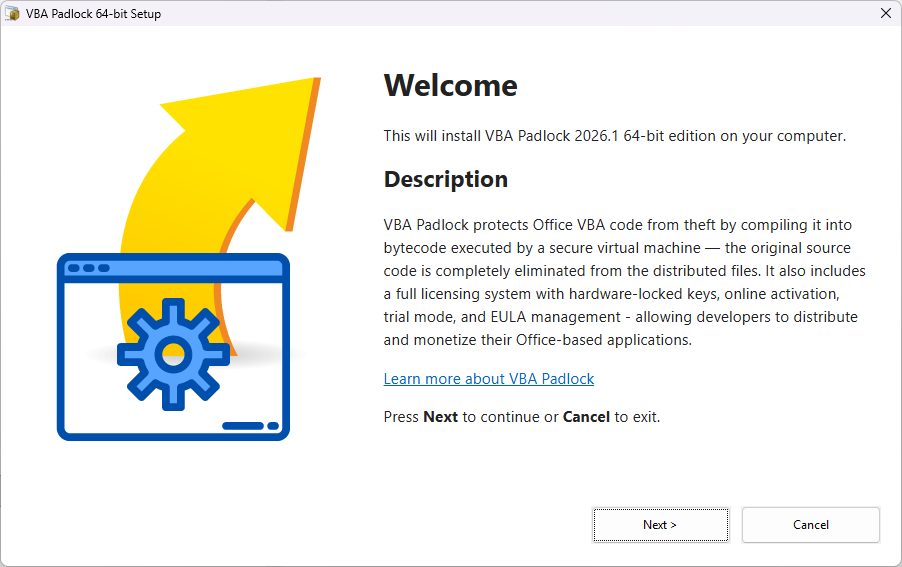
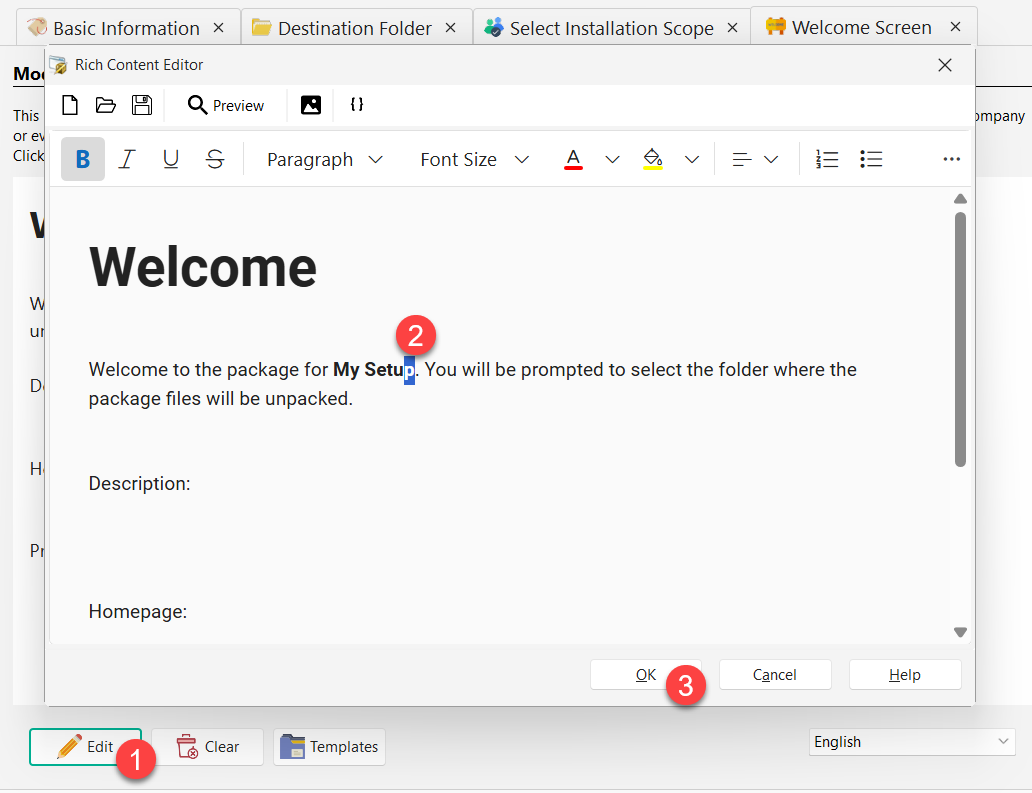
Use the visual builder to control how your installer looks and feels from the first welcome page to the final confirmation screen.
- Edit welcome, progress, and end screens visually
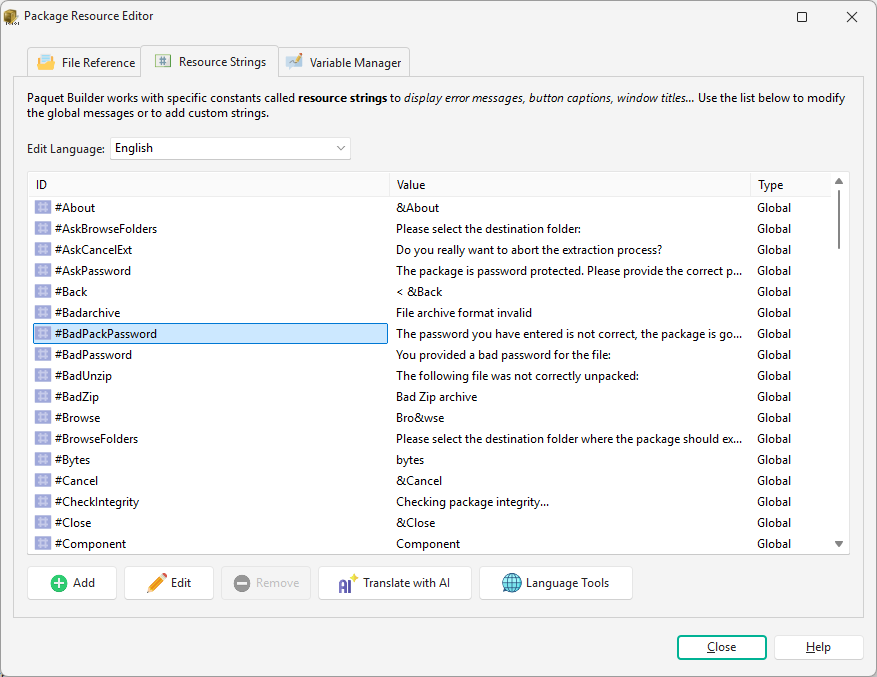
- Control themes, branding, and installer resources
- Preview both builder-side setup and runtime experience
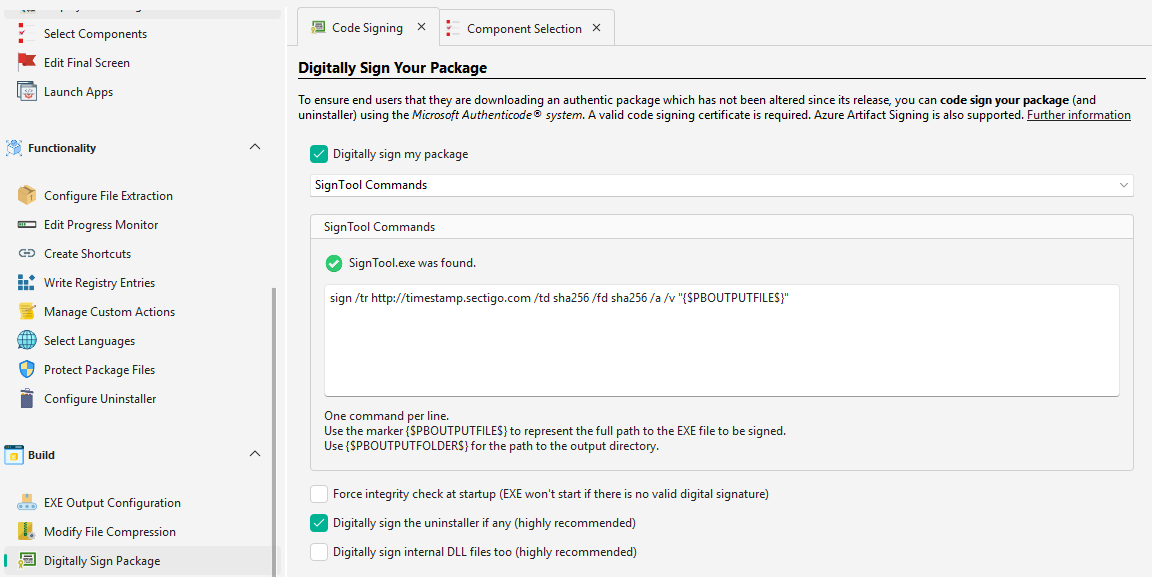
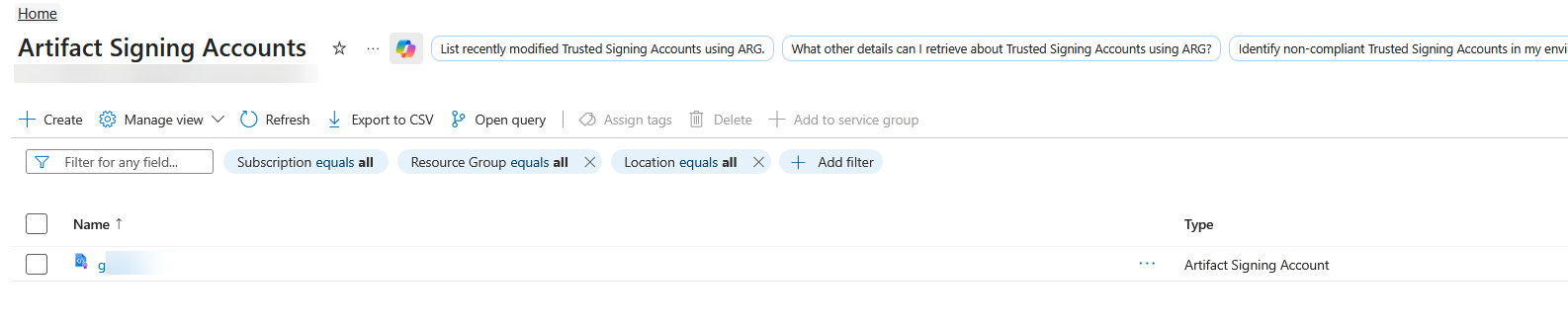
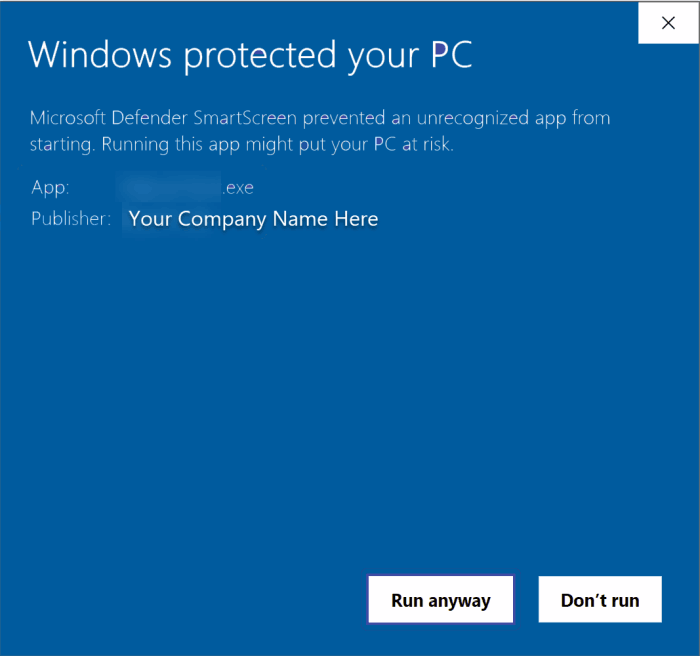
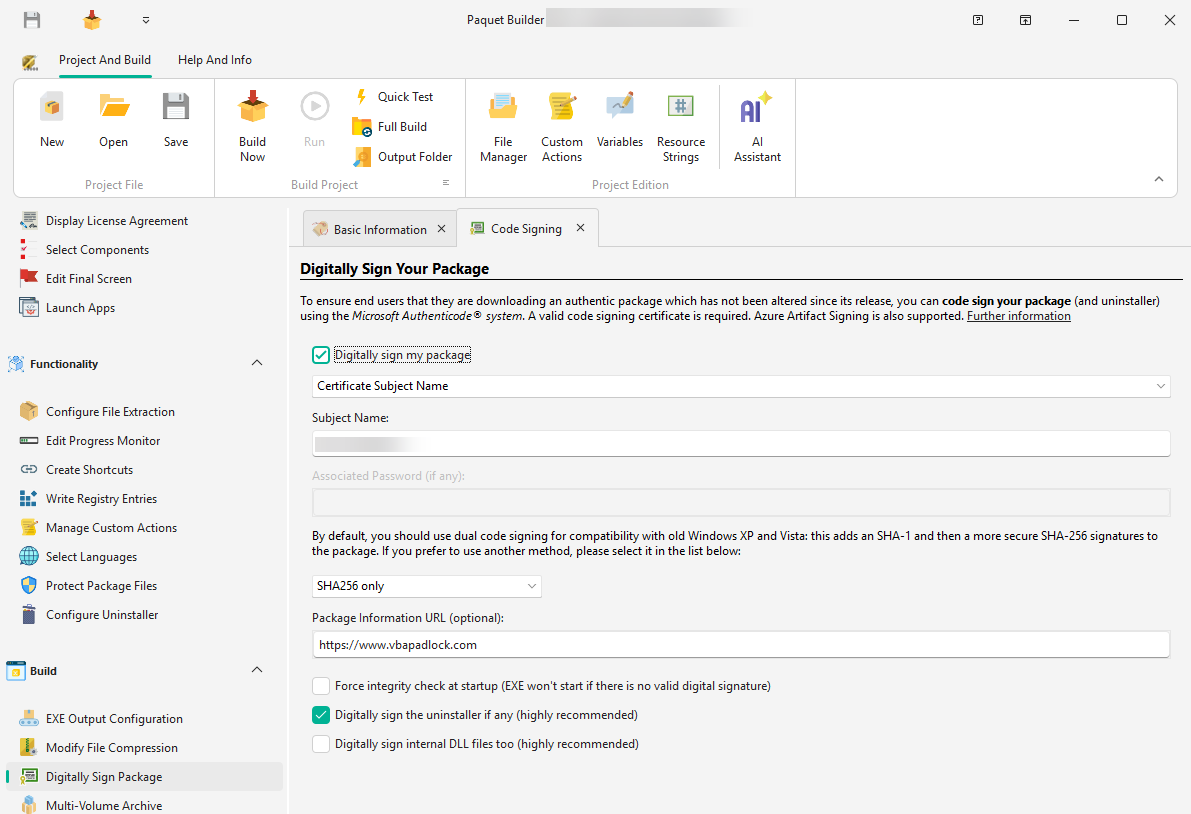
Keep your packages trusted, signed, and ready to ship
Configure digital signatures, manage certificates, and connect Azure Artifact Signing, all from the same build environment.
- Configure signature settings directly in the builder
- Work with certificate and trust-signing integrations
- Move from unsigned output to trusted delivery in one flow
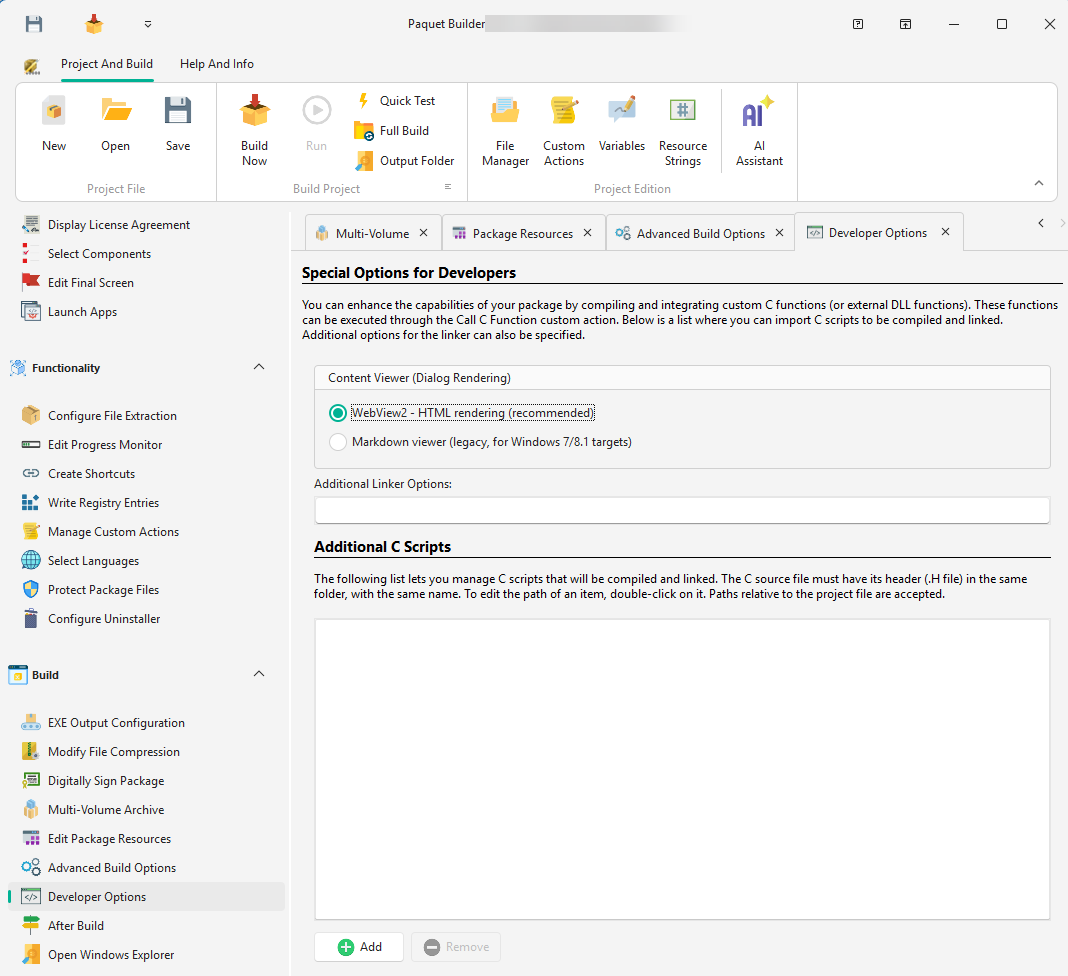
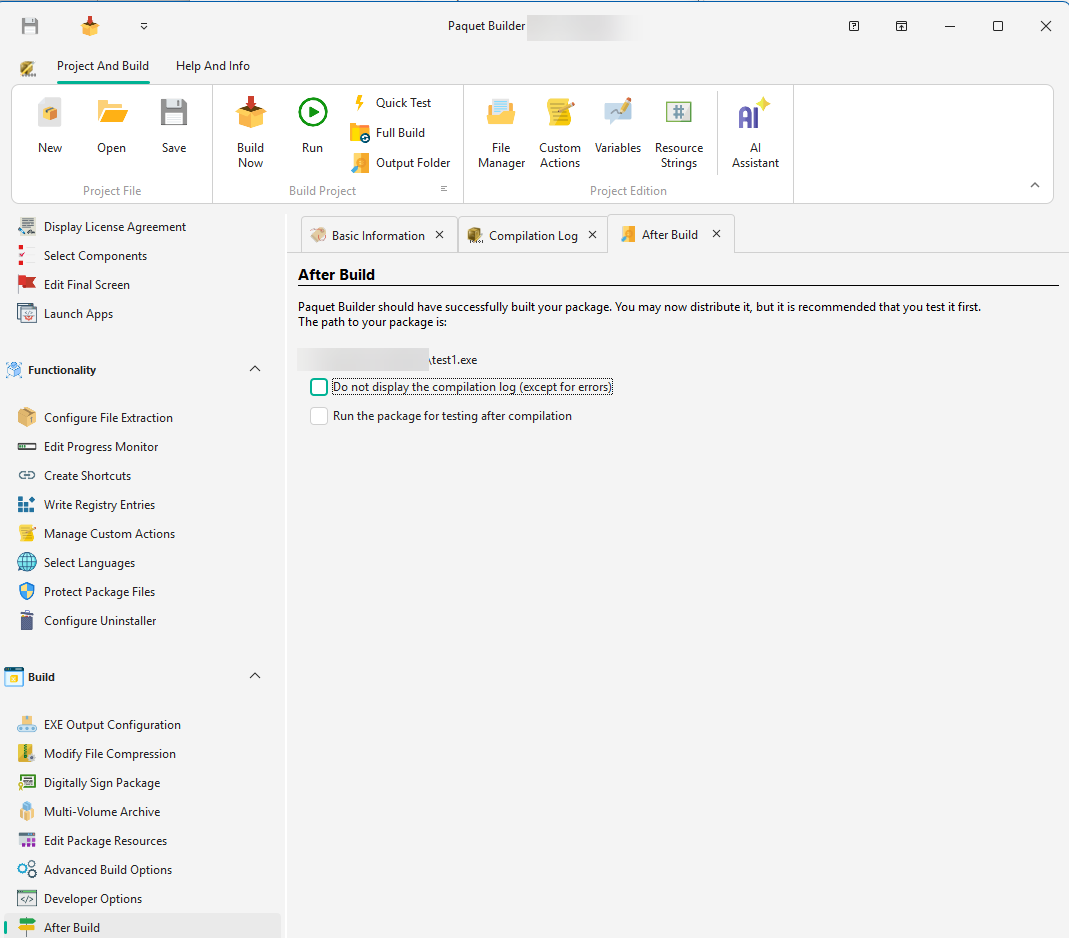
Automate repeated builds without giving up visibility
The command-line compiler, text-file directives, and the free included MCP server let you plug Paquet Builder into any automation workflow, from batch scripts to AI-driven pipelines.
- Run silent builds from the command line or via text-file directives
- Control projects programmatically with the free MCP server
- Connect batch jobs, CI/CD pipelines, and AI coding agents with structured exit codes
What customers say
All reviews"It provides me with all options I need, and the return on investment is perfect. The user interface is well designed, helpful and self-explaining."
"I use it to create an installer for an Excel add-in, which probably isn't exactly what it was intended for, but it does the job brilliantly!"
Three steps to your first installer
No scripting languages to learn. No configuration files to write. Just results.
-
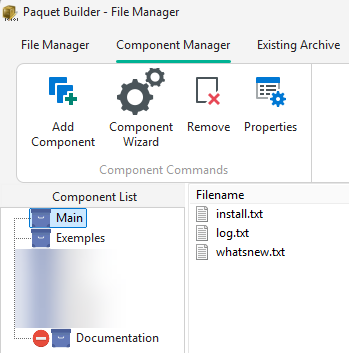
Create a Project
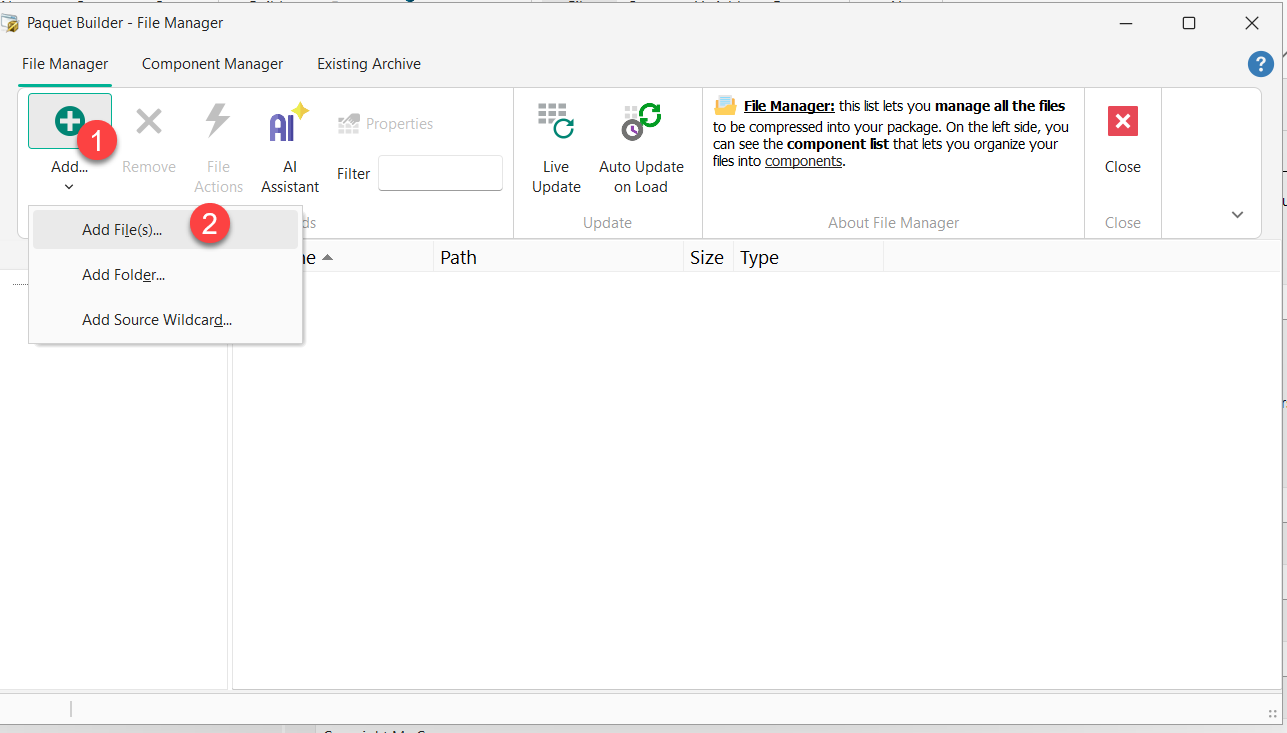
Start from scratch, or ask Claude to create the project for you through the MCP server.
-
Customize and Configure
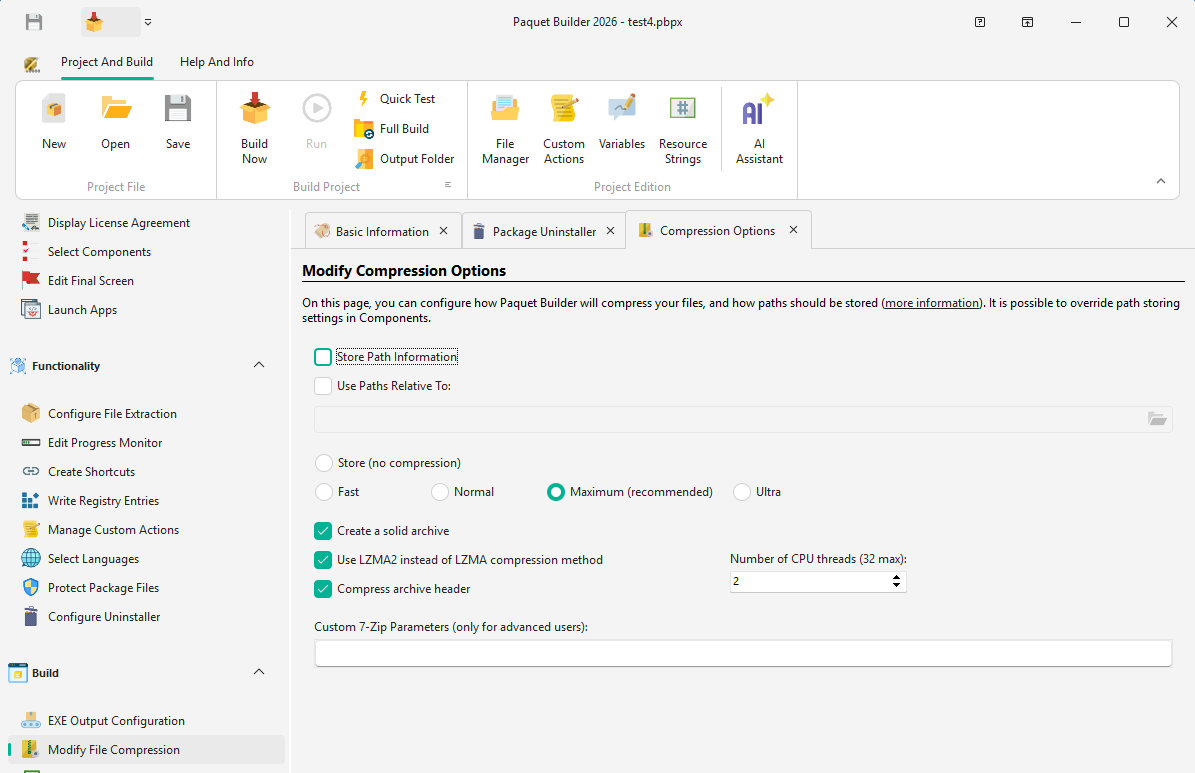
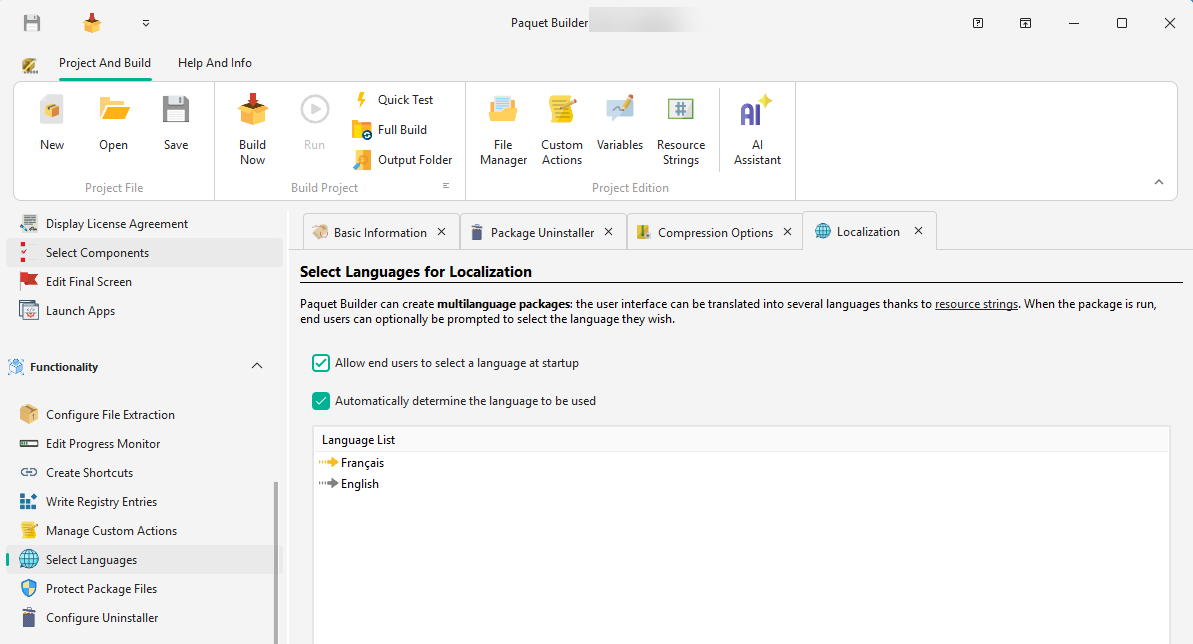
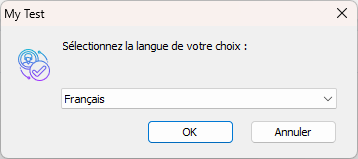
Shortcuts, registry entries, custom actions, themes, and multilanguage, all from the visual IDE.
-
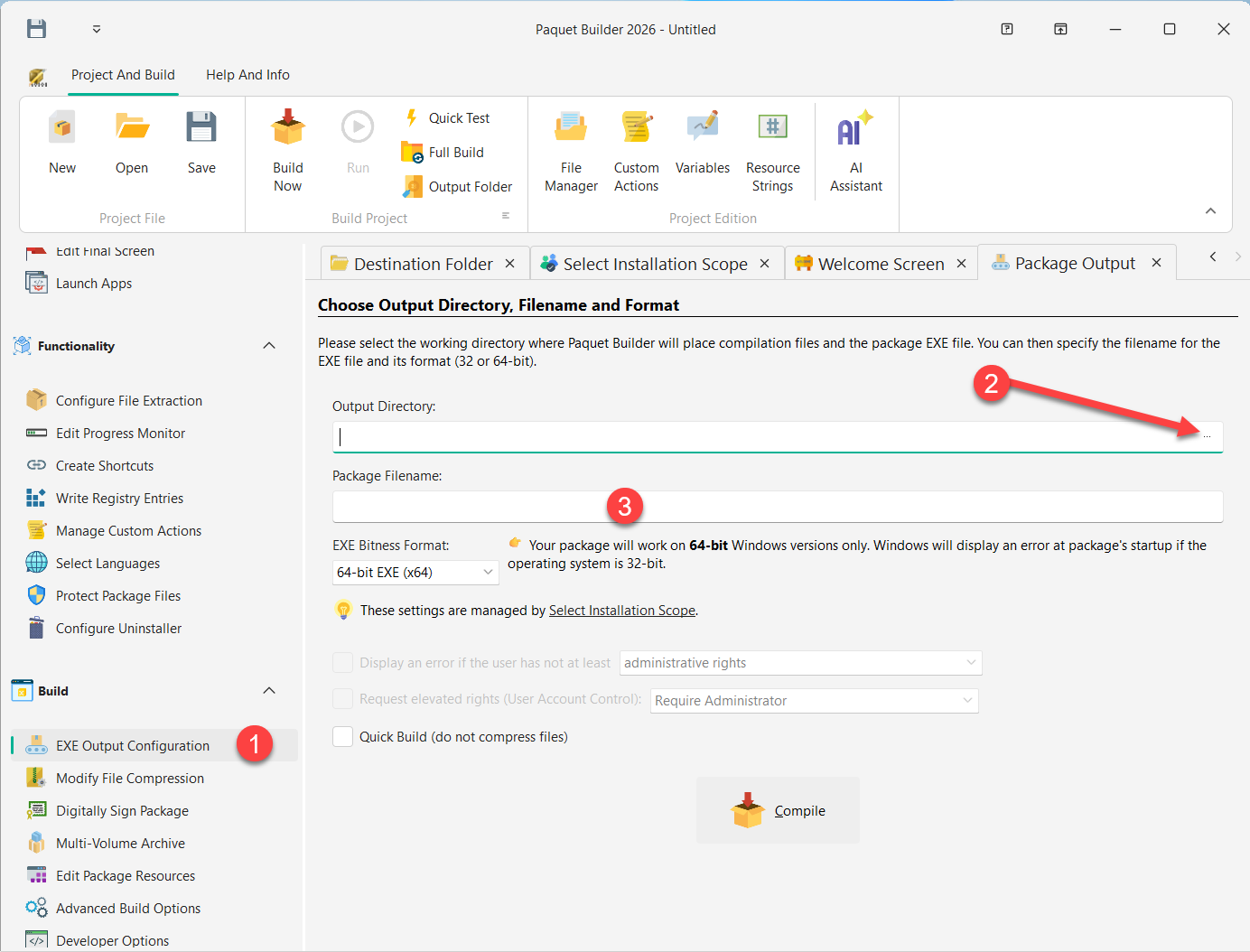
Build and Ship
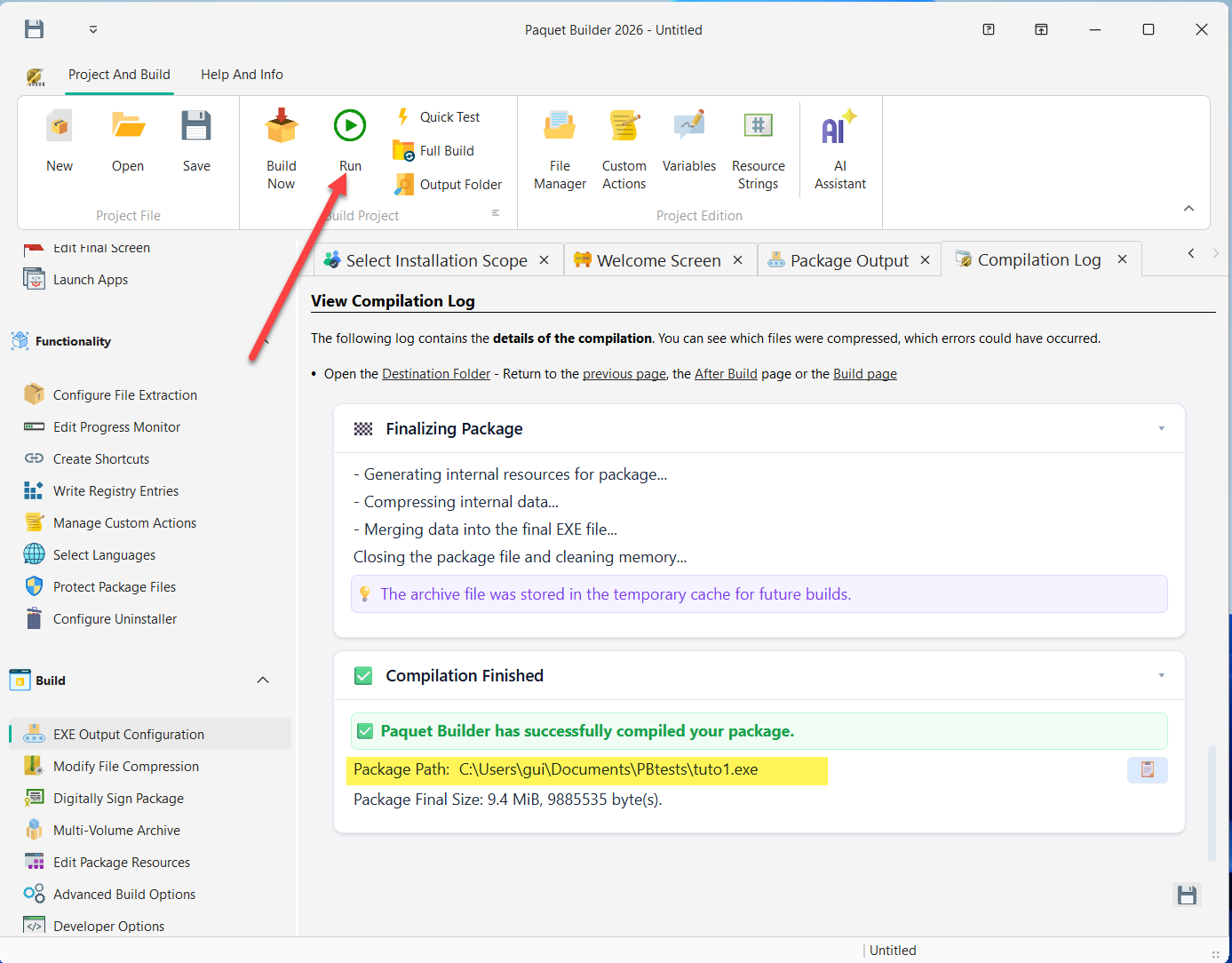
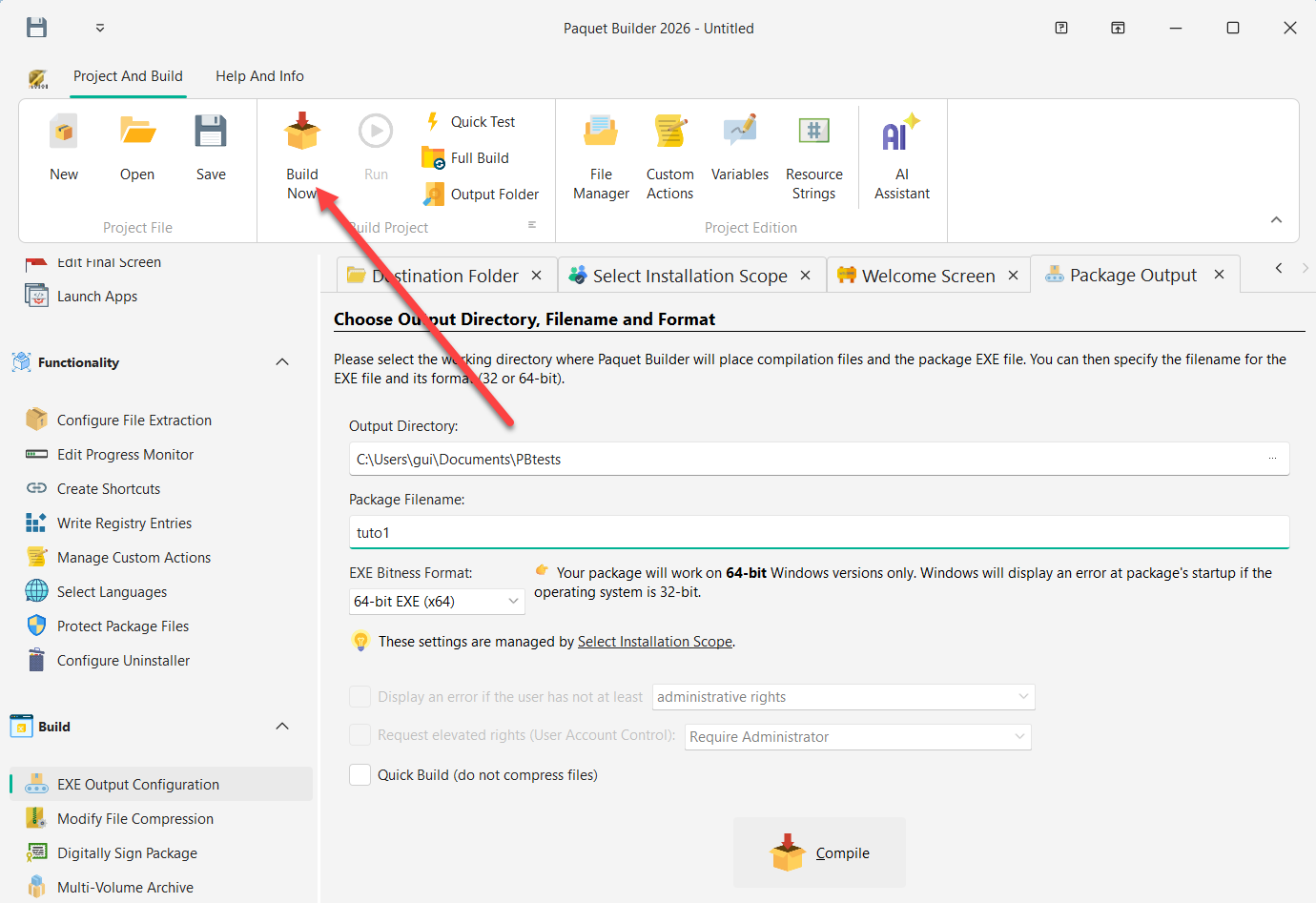
Compile with one click, sign if needed, then distribute to your users.
Ready to Build Better Installers?
Download Paquet Builder for free and create your first professional installer in minutes. No credit card required.
Using Claude or Cursor? Connect them with the free MCP server