Full Windows install
Setup Installer
The full experience: wizard dialogs, registry entries, shortcuts, uninstaller, Program Files. When your users expect a proper Windows installer, this is it.
Design Packages
Setup installer, self-extracting archive, or a flexible branded bundle: Paquet Builder is the mix that does everything. One .pbpx project, every distribution format, x86 / x64 / ARM64.
Design Packages
Switch between output types without recreating anything. The project knows your files, components, and branding, and re-uses them across every format you build.
The full experience: wizard dialogs, registry entries, shortcuts, uninstaller, Program Files. When your users expect a proper Windows installer, this is it.
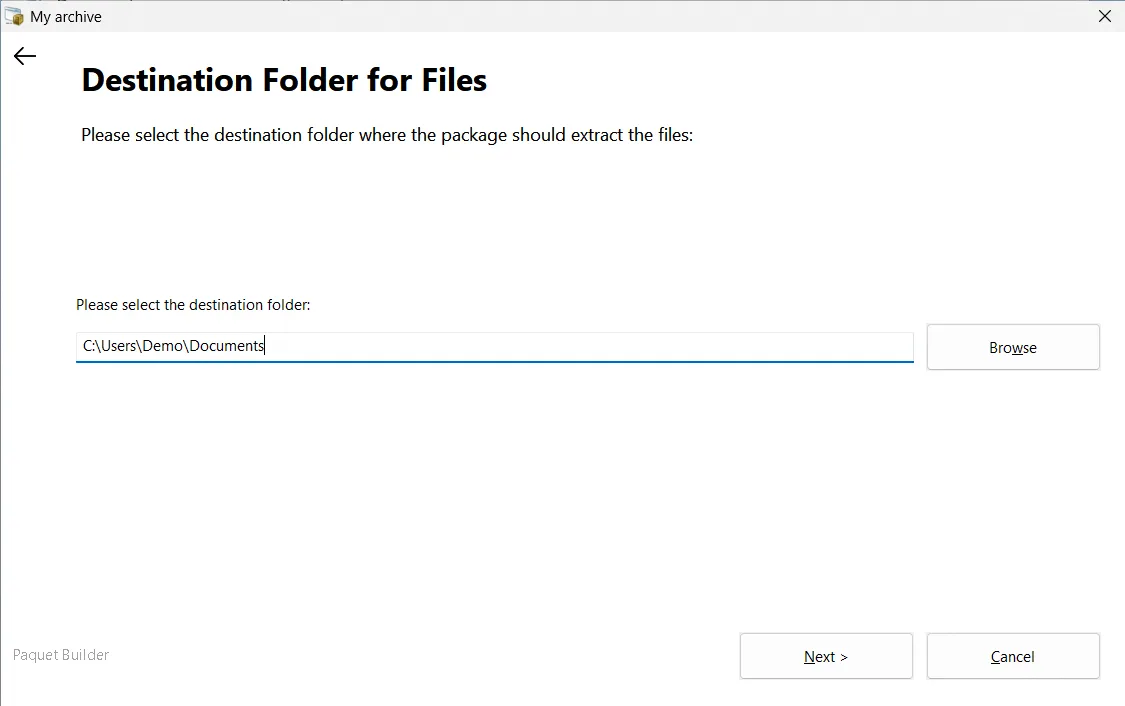
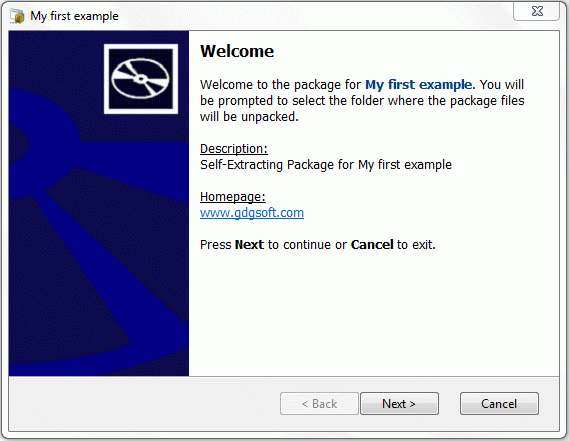
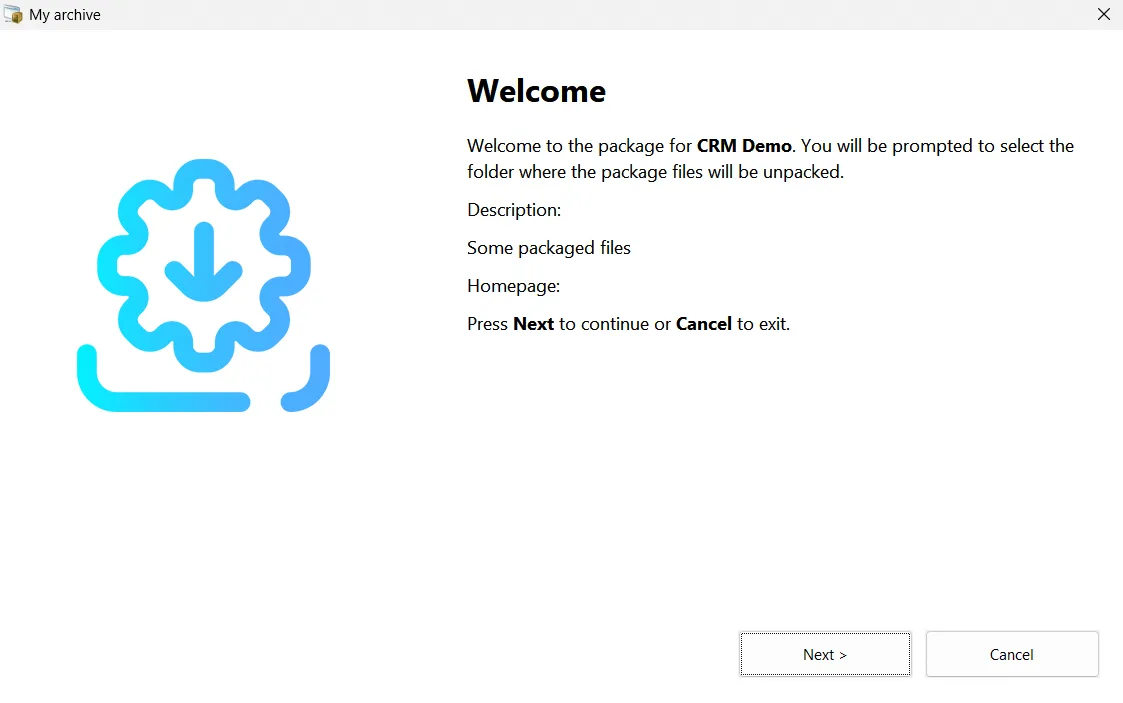
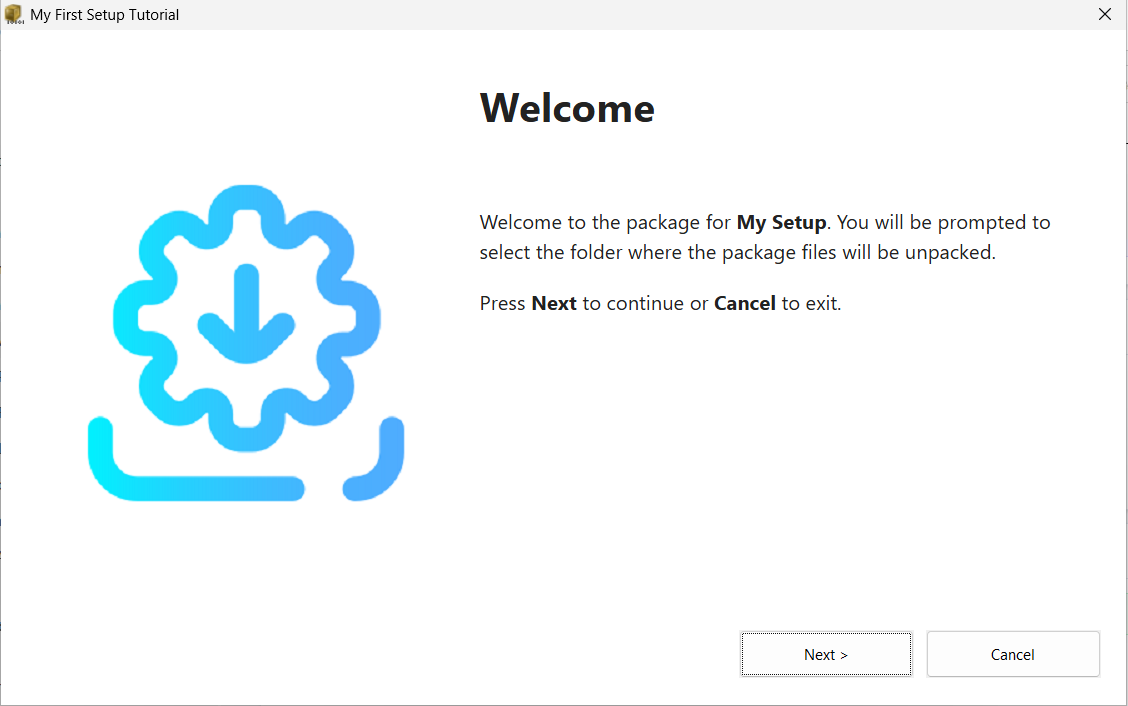
A standalone .exe that drops files wherever the user picks. No install, no registry, no uninstaller. Perfect for portable apps, SDK bundles, and one-off distributions.
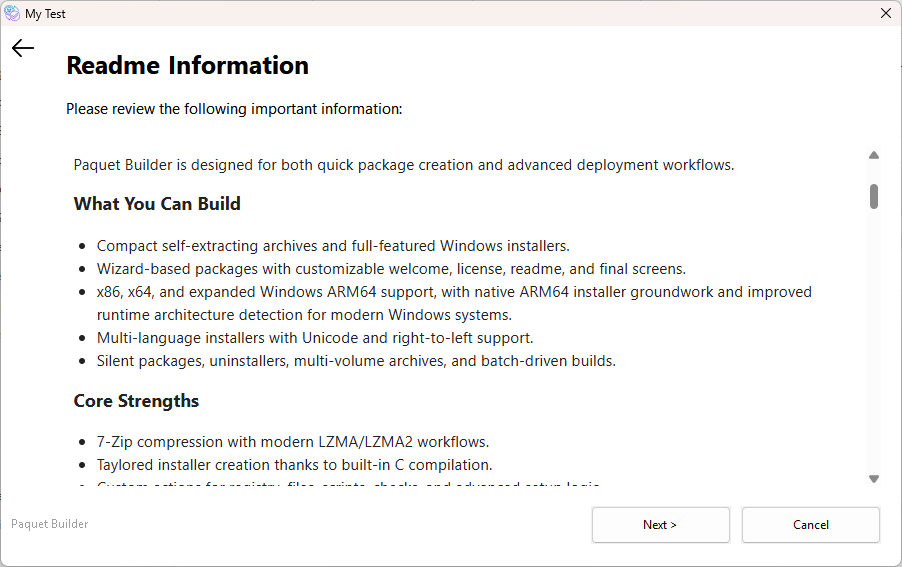
Paquet Builder's signature format: a flexible bundle that scales from a branded file extractor to a full installer. Pick exactly the features you need, nothing you don't.
Every output type has its own settings (dialogs, extraction paths, branding, compression). Flip between them without starting over, or build every format at once with a single build command.
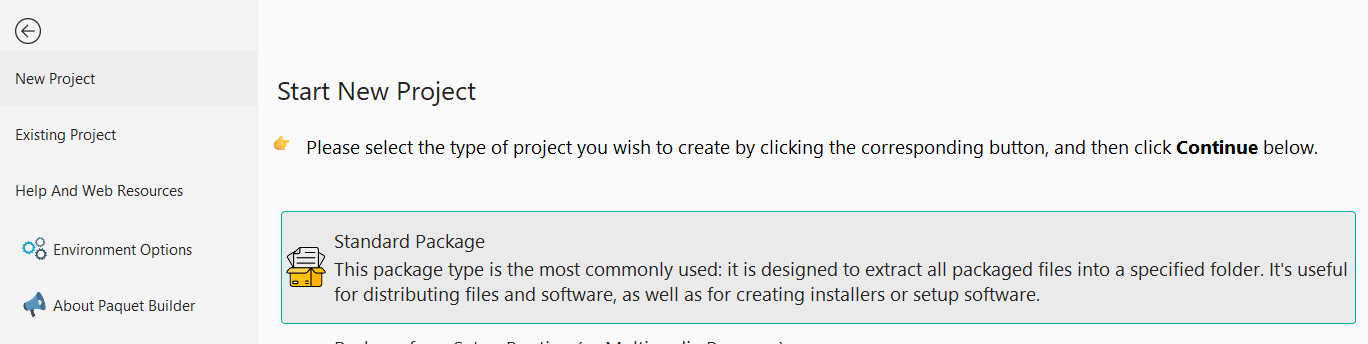
Start a new project, pick your format, and everything else follows from the same source files.
Typical LZMA2 + solid result
75% smallerExample: a 48 MB .NET application bundle compressed with LZMA2 and solid archive mode. Your ratio will vary with file type; text and source files compress hardest, already-compressed media the least.
LZMA2, solid archive mode, and multi-threaded compression squeeze every byte out of your distribution. Tune the balance between build time and final size, globally or per file.
Solid compression: the quiet superpower
Groups similar files together and compresses them as a single block. On repositories full of small text or source files, it shaves another 20–50% off what file-by-file compression would produce.
Keep Touring
Use the pager to continue the product tour, or jump back to the full overview at any point.
Console Compiler
Build installers from the command line with structured exit codes and directive-based scripting. Ideal for CI/CD pipelines.
Overview
See all features
Explorer Extension
Package files and folders directly from the Windows Explorer right-click context menu.
Download Paquet Builder and ship in whichever format fits the job: installer, SFX, or the mix that does everything.