Use Installation Scope
Instead of managing UAC manually, use Installation Scope. Paquet Builder handles the manifest, path variables, and registry logic automatically.
Windows User Account Control (UAC) ensures applications run with standard user privileges by default. If your installer needs admin tasks (writing to Program Files, modifying HKLM, or registering services), it must explicitly request elevated rights.
Configure elevation behavior in Build > EXE Output Configuration. Paquet Builder embeds the appropriate XML manifest into the final .exe.
Runs with the same privileges as the process that launched it. No UAC prompt appears.
Best for portable apps, simple file extractors to user folders, or packages that don’t modify system settings.
Always attempts to run with full administrative tokens. A UAC prompt always appears.
Best for standard installers that need full system access.
Runs with the highest privileges the current user can obtain. Admins get full privileges; standard users get standard privileges (no UAC prompt).
Best for installers that work in both scenarios.
Use Installation Scope
Instead of managing UAC manually, use Installation Scope. Paquet Builder handles the manifest, path variables, and registry logic automatically.
Sign your installer
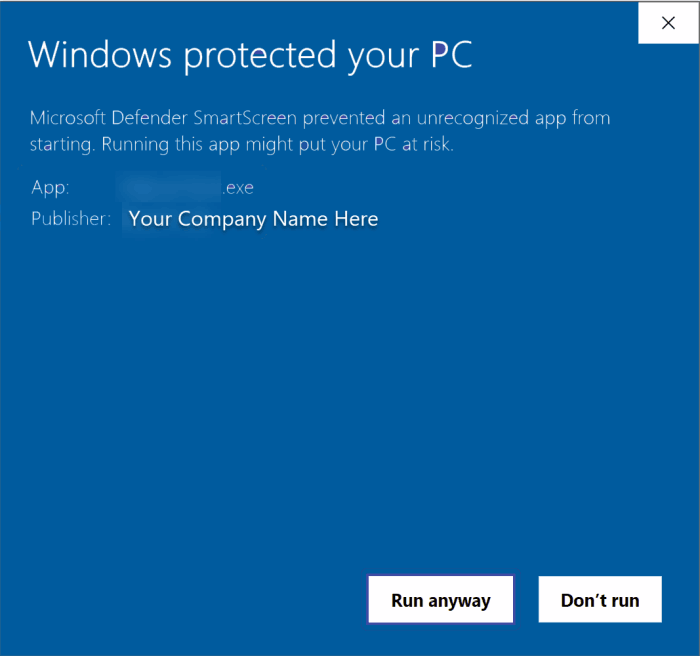
Always digitally sign elevated installers. Windows displays a prominent “Unknown Publisher” warning for unsigned packages.
Test on Standard User
Always test the final .exe on a Standard User account to ensure the UAC prompt appears correctly and permissions are sufficient.