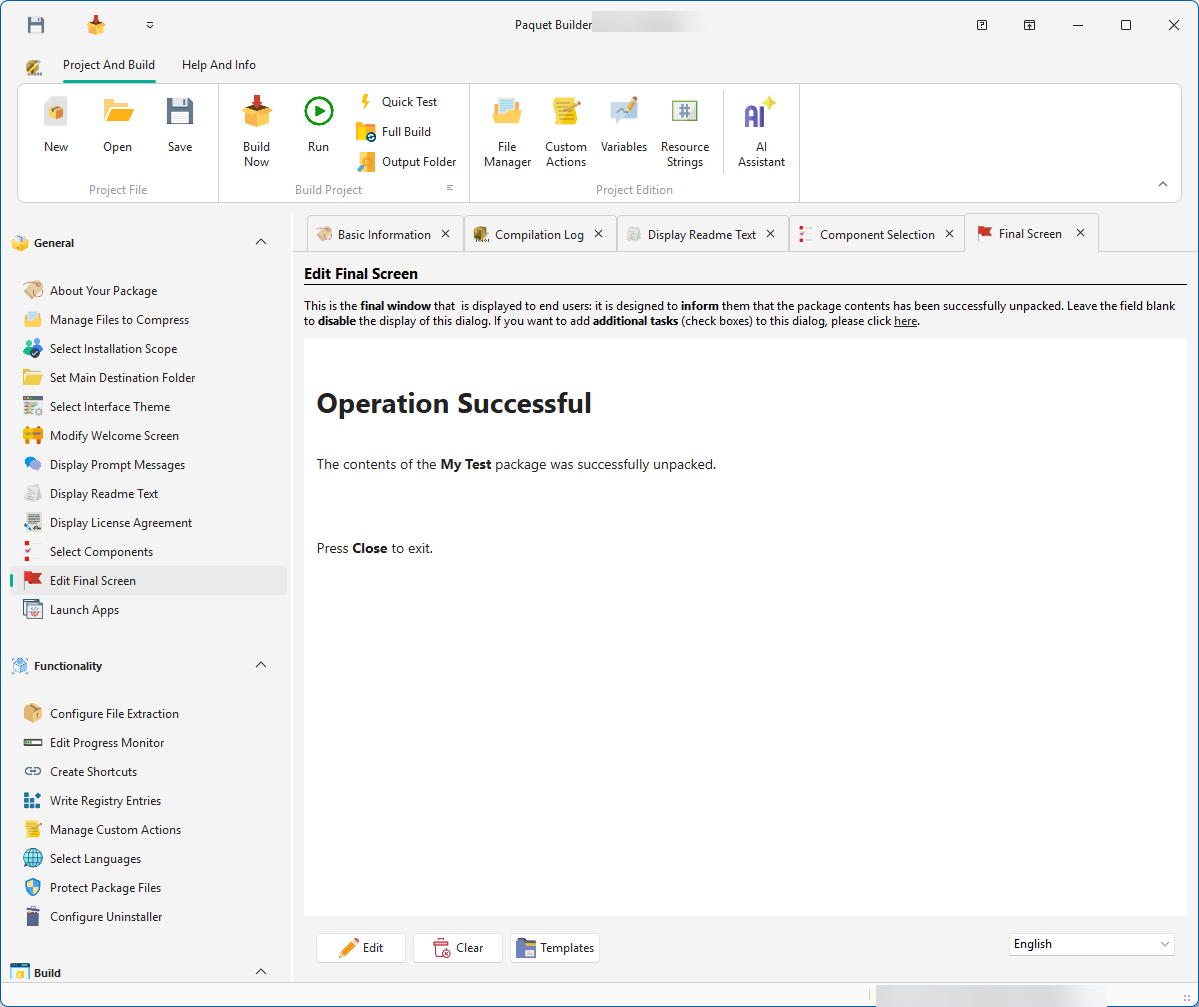
Edit
Opens the Rich Content Editor to write and format the completion message.
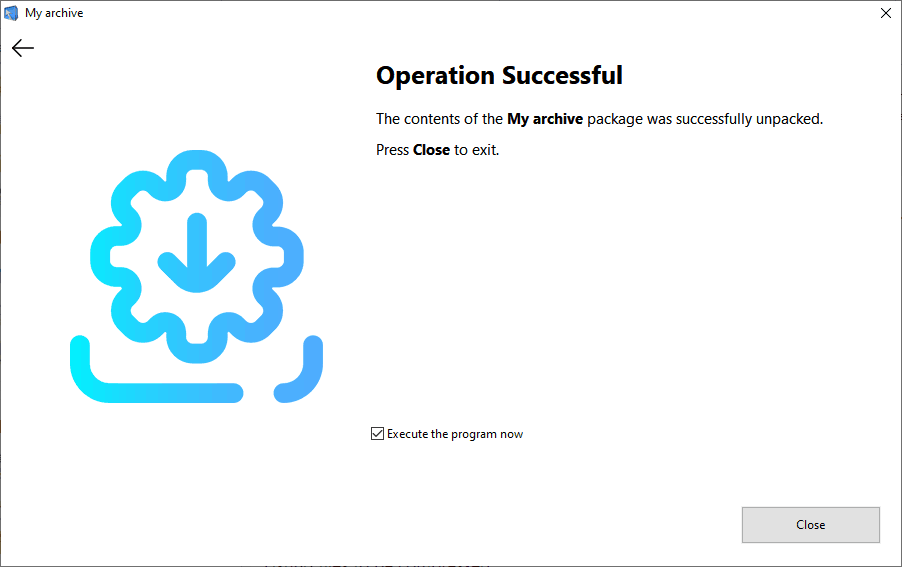
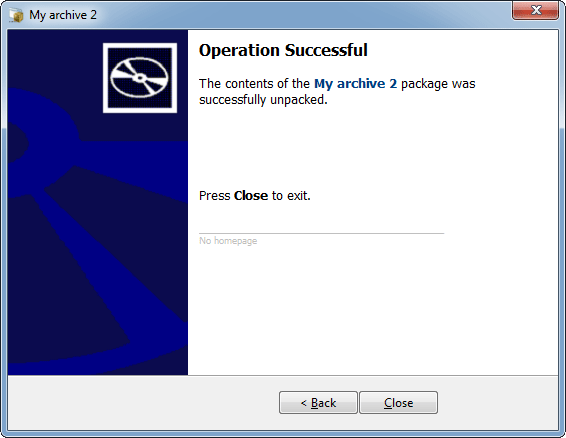
The Final Screen is the last dialog shown to end users after a successful extraction. It typically confirms that files were unpacked and may offer optional tasks such as launching the application or opening a readme file.
Edit
Opens the Rich Content Editor to write and format the completion message.
Clear
Removes the text. When blank, the Final Screen is disabled.
Templates
Select a pre-made template from the menu as a starting point.
You can add checkboxes to the Final Screen, allowing end users to choose optional post-extraction tasks, for example “Launch the application” or “Open the readme file.”
Configure these tasks on the Program, Setup Execution page. For more complex logic, use custom actions to prompt users with choices.
End users can press Back to return to a previous screen or Close to exit.
For multilanguage packages, write a localized Final Screen text for each compiled language.