Package path
Displays the full path to your compiled package. Copy it or navigate to the output folder directly.
This page provides options to test and manage your compiled package immediately after a successful build.
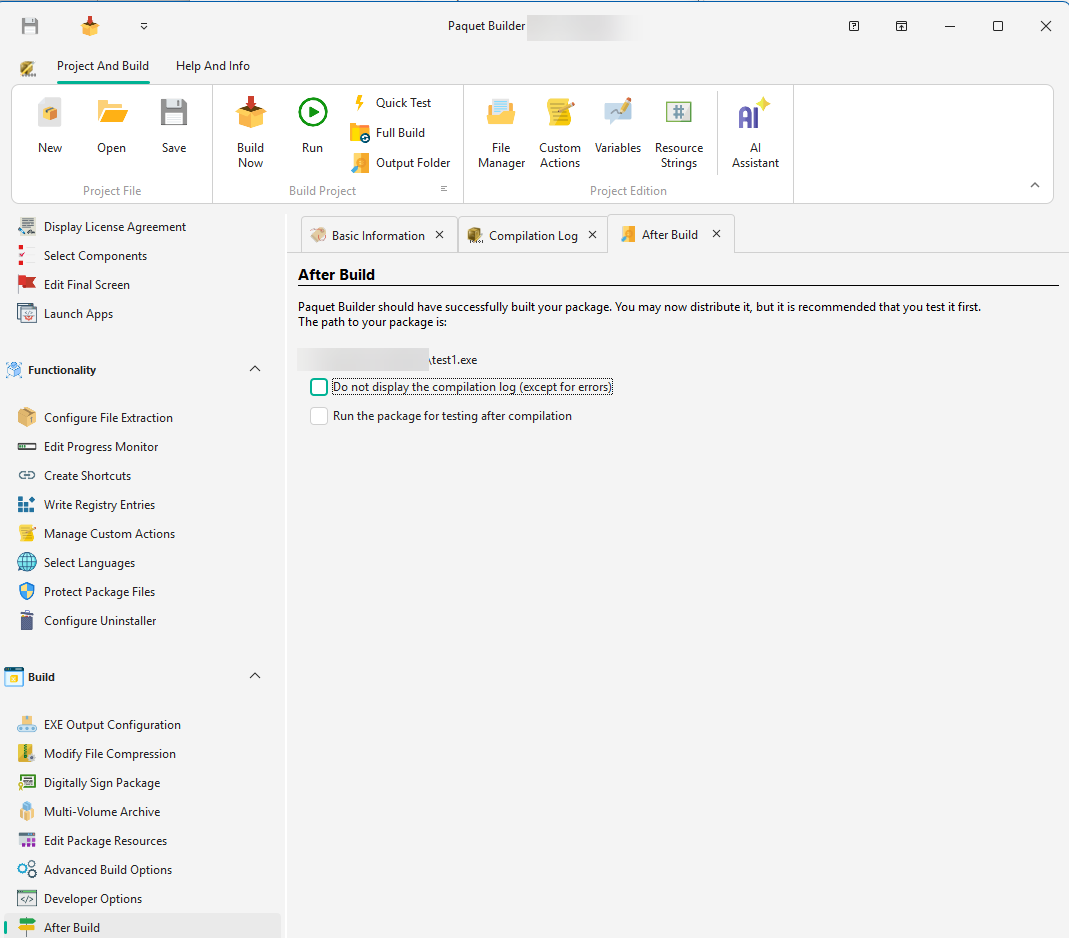
Package path
Displays the full path to your compiled package. Copy it or navigate to the output folder directly.
Hide compilation log
Enable “Do not display the compilation log” to skip the log view after build (errors are always shown).
Auto-run after build
Enable “Run the package for testing after compilation” to launch the package immediately for quick testing.
For large packages that need to be split into smaller files for distribution, use GSplit, a free file splitter tool.