Edit
Opens the Rich Content Editor to write and format the text with full HTML support.
Paquet Builder lets you include two optional text screens in the installer flow: a License Agreement that end users must accept to proceed, and a Readme with important information or instructions.
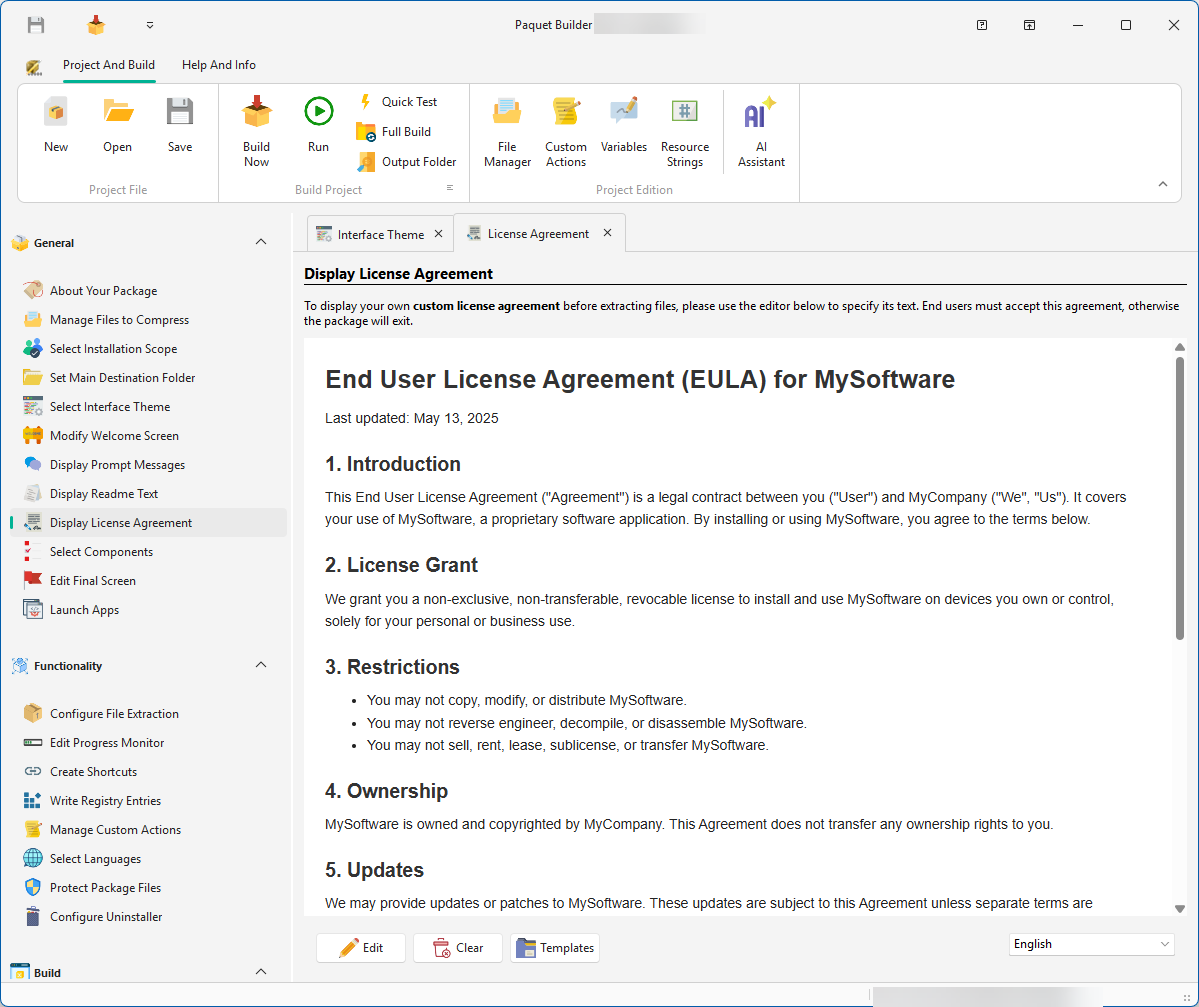
Displayed before extraction begins. End users must click Yes (or I Agree) to continue; otherwise the package exits.
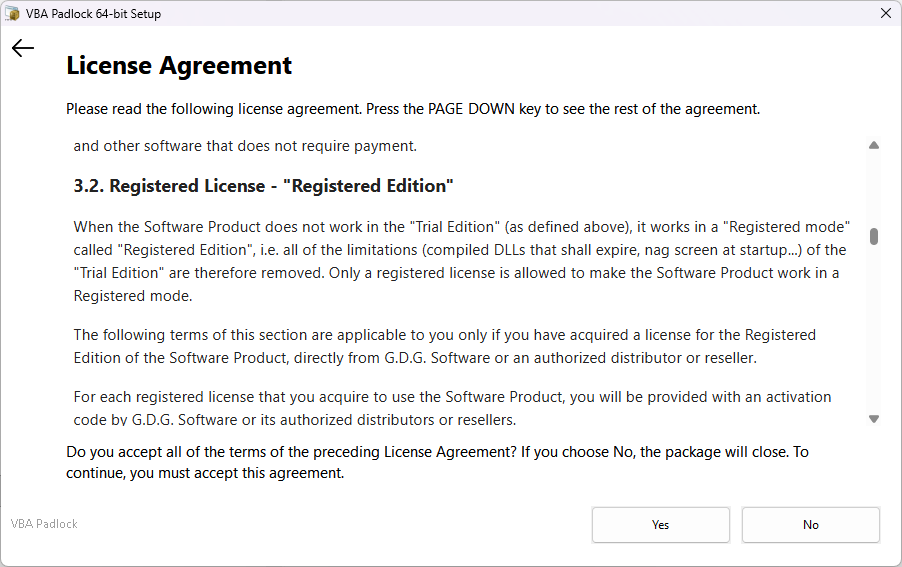
Use this for EULA, terms of service, or any legal text that requires explicit user consent.
Displayed as an informational screen. The user reads it and clicks Next to continue. No acceptance is required.
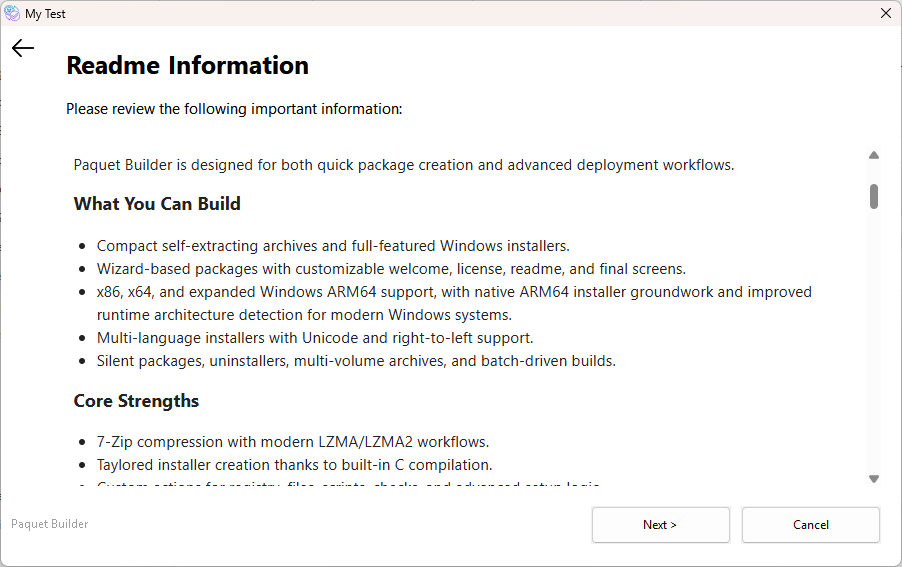
Use this for release notes, installation prerequisites, known issues, or post-install instructions.
Edit
Opens the Rich Content Editor to write and format the text with full HTML support.
Clear
Removes the text entirely. If blank, the corresponding screen is disabled and not shown to end users.
Templates
Select a pre-made template from the menu to use as a starting point.
For multilanguage packages, you can write a localized version of each text for every compiled language.